
 Come together with the global Drupal community in Rotterdam, 28 Sept – 1 Oct 2026. Sessions, contribution, connection, and Early Bird savings until 8 June.
2. Commerce Setup
This documentation needs work. See "Help improve this page" in the sidebar.
TIP: from version 2.20, Bee Hotel this step is automated by Bee Hotel SampleHotel
Find here how to configure the Commerce module for the BEE Hotel Module. Several step across more pages. Get your tea mug and give yourself time.
With this page, your installation will have requirements for BEE Hotel to work. More commerce settings will be of course required by your own business
Set up your Hotel (as Store)
/store/add/online
Add order item type
/admin/commerce/config/order-item-types (to be updated later on with BEE values)
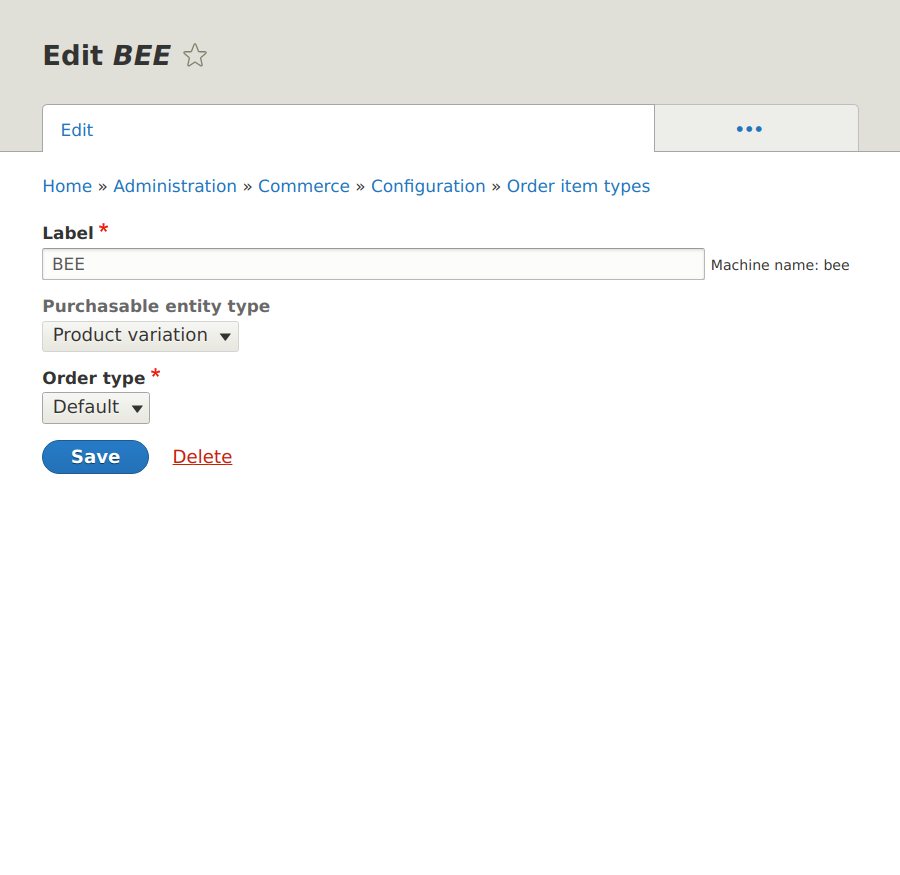
Add Check-in / Check-out dates to the order item
/admin/commerce/config/order-item-types/bee/edit/fields/add-field

Add Nights to the order item
/admin/commerce/config/order-item-types/bee/edit/fields/add-field
Add field named "Nights", type integer.
Add Announced checkin time
/admin/commerce/config/order-types/default/edit/fields
Type: date.
This field is manually filled by Hotel Staff, with info provided by Guest. BeeHotel will expose this info in the "Happening today" [SITE/admin/beehotel/happening-today] page.
Create attribute "Guests"
In the BEE Hotel environment, we handle Guests number as Product Attribute
/admin/commerce/product-attributes/add

Create the "Units Booking" Flow
/admin/commerce/config/checkout-flows/add

Create the "Units Booking" Order type
with checkout flow: units booking
/admin/commerce/config/order-types/add

Add a payment gateway
/admin/commerce/config/payment-gateways/add

Help improve this page
You can:
- Log in, click Edit, and edit this page
- Log in, click Discuss, update the Page status value, and suggest an improvement
- Log in and create a Documentation issue with your suggestion
