
Basic functionality
Configuration
API key usage
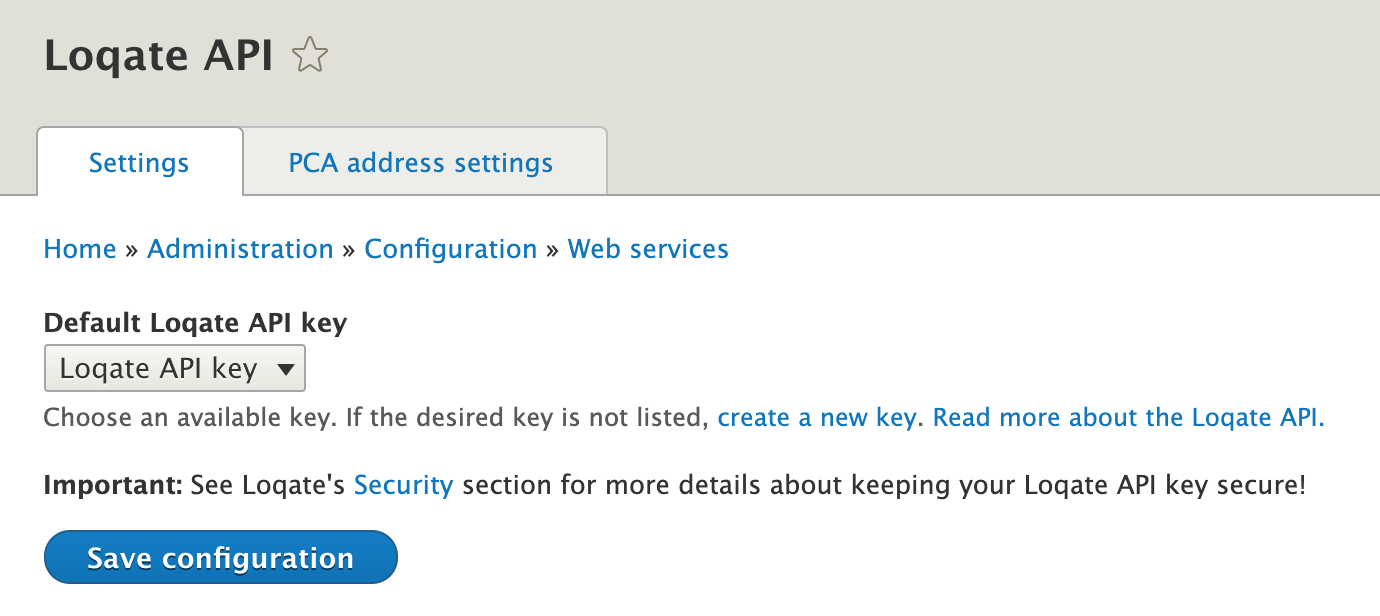
The API keys are managed via the Key module. The Settings screen below allows you to specify a default key entity for all of the PCA address lookup field instances on your site. Alternatively each of the FormElements or widgets can also individually specify a Key entity id.
Make sure to read the Loqate instructions on the host verification for your API keys.
PCA field mapping
We can configure the field mapping to our own likes via the below interface. This is the equivalent of the field mapping described in Mapping your fields:

PCA address FormElement
Basic usage
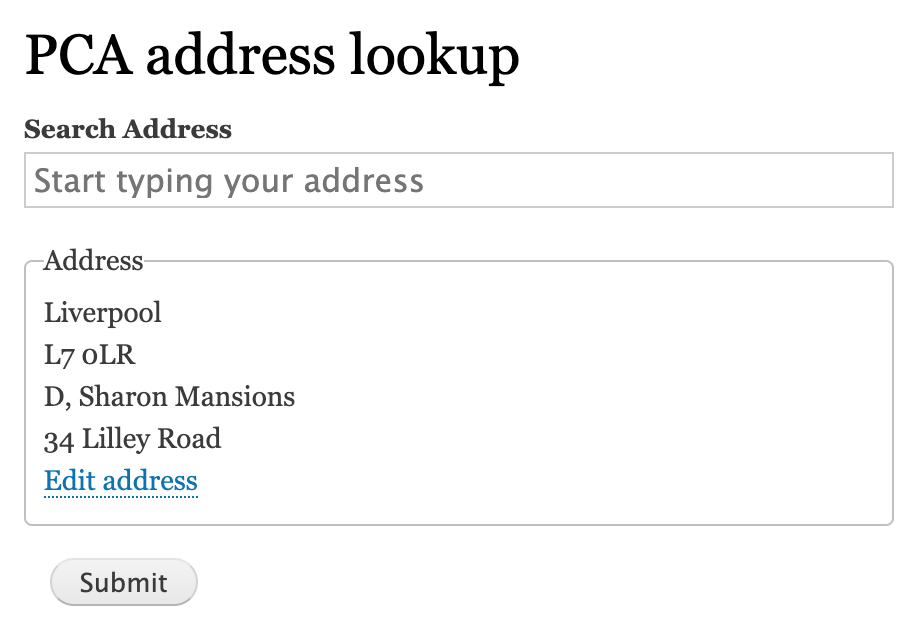
See below a simple example of the pca_address Form API element, and will default to the above 2 booleans if not provided.
$form['shipping_address'] = [
  '#type' => 'pca_address',
  '#title' => $this->t('Shipping Address'),
  '#show_address_fields' => FALSE,
  '#allow_manual_input' => TRUE,
];
PCA fields
Additionally we can add a #pca_fields key value which will override the default behaviour from the field mapping configuration interface:
'#pca_fields' => [ // Defaults to config if left empty.
  [
    'element' => PcaAddressElement::ADDRESS_LOOKUP,
  ],
  [
    'element' => PcaAddressElement::LINE1,
    'field' => PcaAddressField::LINE1,
    'mode' => PcaAddressMode::POPULATE,
  ],
  ...
],
PCA options
Also see Setting options for the supported values that we can provide as key value set via #pca_options:
'#pca_options' => [ // Defaults to config if left empty.
  'key' => config_key_id, // Defaults to key from config.
  'countries' => ['codesList' => 'USA, CAN'],
  'setCountryByIP' => FALSE,
  'advancedFields' => ["{HomeNation}"], // Additional fields to the response replacing Field1, Field2 etc.
  ...
],
Example
Help improve this page
You can:
- Log in, click Edit, and edit this page
- Log in, click Discuss, update the Page status value, and suggest an improvement
- Log in and create a Documentation issue with your suggestion
