
 Come together with the global Drupal community in Rotterdam, 28 Sept – 1 Oct 2026. Sessions, contribution, connection, and Early Bird savings until 8 June.
Field Mapping
Field mapping is the ability to map block content or attribute values to a node field value. Field mapping is primarily used together with page templates, but it can also be used on custom blocks. Learn more about page templates here.
How does it work?
Let's say that we have this page template on our Article content type with Template lock: All
[
  ["drupal/simple-text", {"placeholder": "Insert title","tag":"h1"}],
  ["core/image"],
  ["drupal/section", {"placeholder": "Insert content"}]
]
Wouldn't it be good, for example, to set the content from drupal/simple-text to the node's title? Well, that's possible just by adding an attribute to that block, like this:
["drupal/simple-text", {"placeholder": "Insert title","tag":"h1", "mappingFields": [{"field": "title"}]}]
By setting this attribute, the node's title will be automatically filled with drupal/simple-text block content. Also, the title field will not show on the form, since there's already a block to replace it.
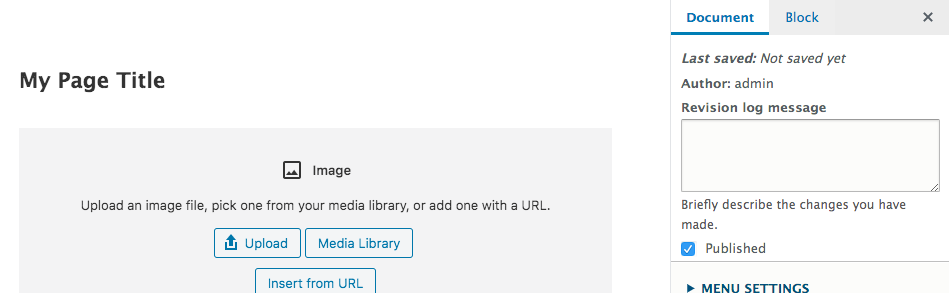
Now, we would like core/image block image to be mapped to an existing image field on our node. For that we'll use not only field but also attribute and property to map the block id attribute value to field's target id:
["core/image", {"mappingFields":[
  {
    "field": "field_image",
    "property":"target_id",
    "attribute":"id"
  }
]}]
Again, the node's image field will be hidden from the form.
An example for media entity block:
["drupalmedia/drupal-media-entity", {"mappingFields": [
  {
    "field": "field_media",
    "property": "target_id",
    "attribute": "mediaEntityIds"
  }
]}]
If you want to map HTML to a rich text field, you will need to add the text format to the mapping, like so:
[ "core/group", {"mappingFields": [
  {
    "field": "field_your_rich_text_field",
    "text_format":"gutenberg"
  }
]}]
This will store the HTML in the field. To display it you will need to set the format to "Gutenberg" in the administer display field setting. One scenario this is useful is if you have a (custom) block that returns some InnerBlocks that allows some HTML, like in a summary block, and you need to preserve this in the field.
What happens on render?
If a block is mapped to a field, it won't be rendered on the page. This behaviour is controlled by the "Gutenberg field mapping filter" format at admin/config/content/formats/manage/gutenberg.
Limitations
Currently field mapping only supports mapping to fields with single values.
Deprecation notice
On version 1.10, field mapping was done a bit differently and was limited to some field types like text and image. Here's an example:
["core/image", {"mappingField":"field_image", "mappingAttribute":"id"}]This syntax is still supported on version 1.11 but will removed on future versions.
Help improve this page
You can:
- Log in, click Edit, and edit this page
- Log in, click Discuss, update the Page status value, and suggest an improvement
- Log in and create a Documentation issue with your suggestion
