
Configuring content types
Last updated on
8 May 2018
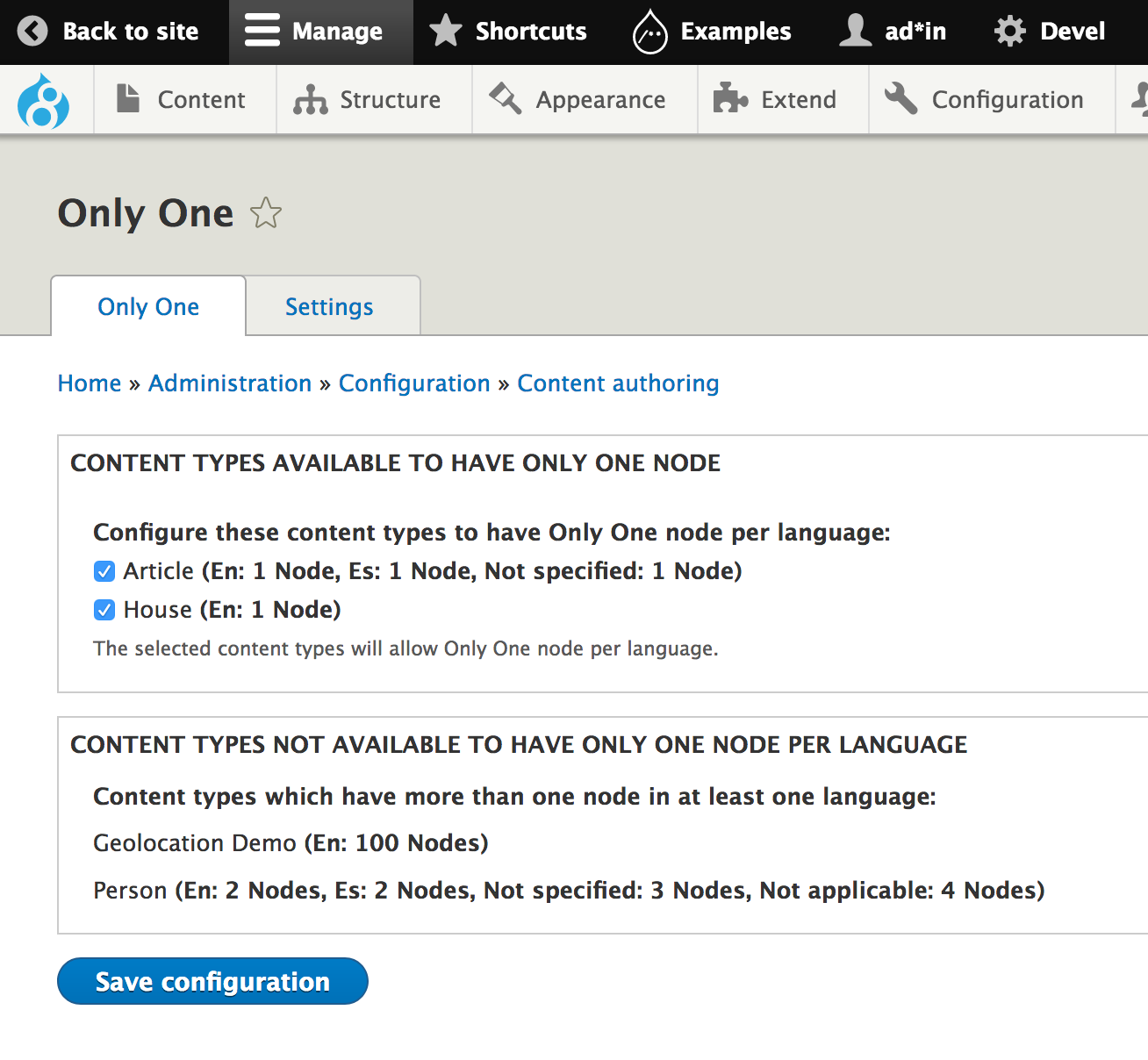
To configure the content types to allow for Only One node per language, visit the 'Only One' page (admin/config/content/onlyone), in the Available content types for Only One section check the content types that should have Only One node per language. For this you need the Administer Only One permission.
Help improve this page
Page status: No known problems
You can:
You can:
- Log in, click Edit, and edit this page
- Log in, click Discuss, update the Page status value, and suggest an improvement
- Log in and create a Documentation issue with your suggestion
