

Closed (fixed)
Project:
Experience Builder
Version:
0.x-dev
Component:
AI
Priority:
Normal
Category:
Task
Assigned:
Unassigned
Reporter:
Created:
27 May 2025 at 08:08 UTC
Updated:
9 Sep 2025 at 09:37 UTC
Jump to comment: Most recent, Most recent file
 Show commands
 changes




Comments
Comment #2
narendrarComment #3
narendrarComment #4
narendrarComment #7
utkarsh_33 commentedI'll assign it to me as this still needs some more work.
Comment #8
lauriiiHere are few examples that we could use to test this:
Prompt 1:
I want to build a hero component with heading, text and a slot for buttons. The highlighted part of the heading should use bold from CKEditor.
Prompt 2:
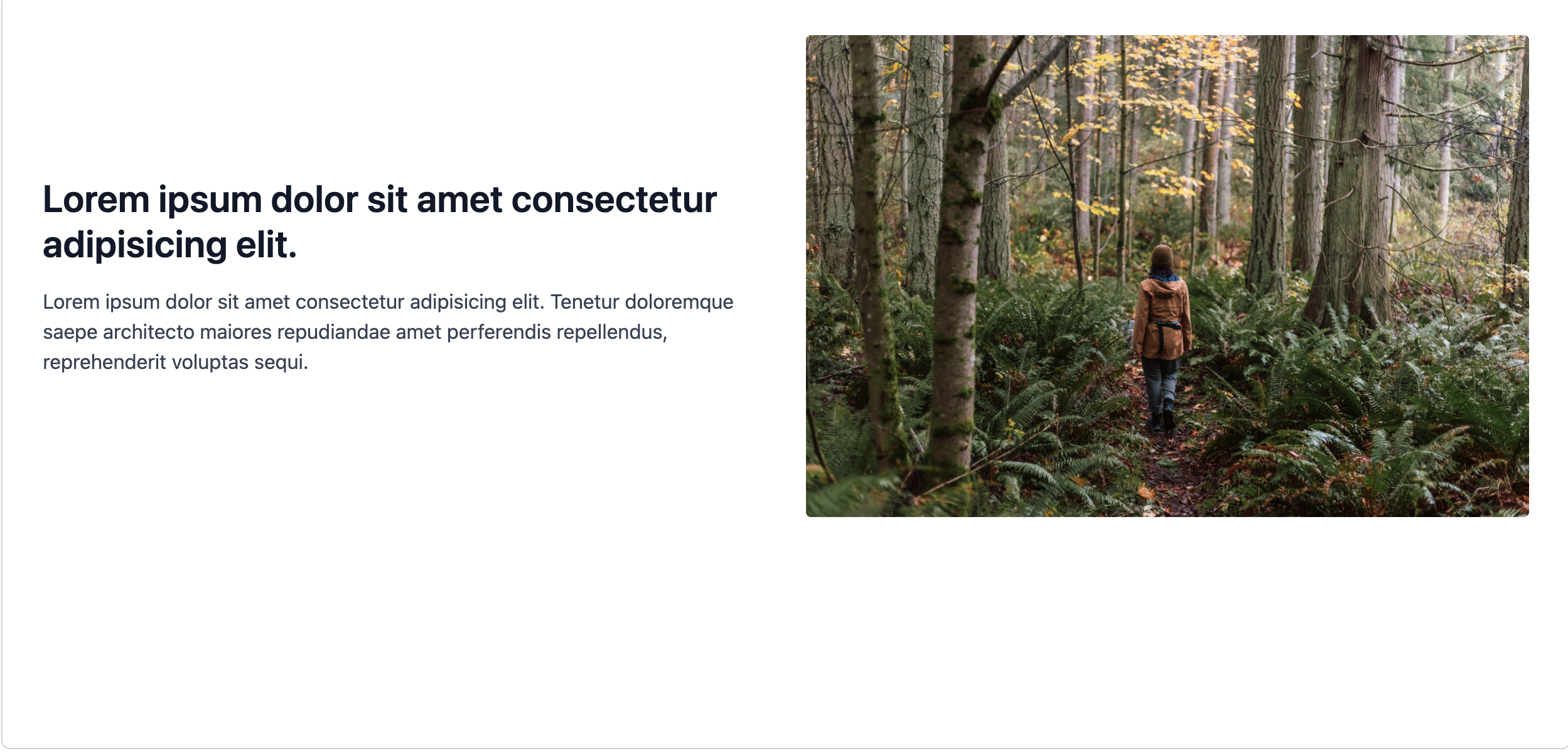
I want to build a hero component with heading, text and slot for buttons. There's also an image which is displayed on the right on desktop and hidden on mobile.
Comment #9
marcus_johansson commentedI've added som comments - most is just NIT and doesn't actually stop merging.
The bigger parts more UX questions, that I think laurii should answer if they are needed.
Comment #10
utkarsh_33 commentedThanks for the review @Marcus_Johansson. I have made the changes which does not require inputs from @laurii.Remaining things can be done once we get the confirmation from @laurii.
Comment #11
utkarsh_33 commentedThe current state of the MR works fine for creating simple code components. but there are some issues when there is an image which are as follows:-
It does create simple components such as this one very well. Also as discussed with @laurii that if we tell the AI bot to create a component and also which image to insert in the images section then it does take care of that as well.
@Marcus_Johansson, @laurii we can discuss further what all needs to be taken care of in this issue.
Comment #12
tim.plunkettWe have four options:
Comment #13
utkarsh_33 commentedI have created a follow-up issue which enables the client side validation of size for image uploads #3535108: Add client-side validation to prevent large (expensive) image uploads to LLM.
Comment #14
utkarsh_33 commentedUploading the SS showing how the image upload icon looks like.
Comment #16
utkarsh_33 commentedI have merged all the new changes and also tested that no existing scenario is breaking and the new once are working as expected. Marking this NR.
Comment #17
narendrarComment #18
utkarsh_33 commentedAddressed feedbacks.
Comment #19
narendrarI tested it manually and similar component gets created but it it has image, it is not replaced by a placeholder image as image url is wrong (not sure if this is an issue or not).
Comment #20
tim.plunkettComment #21
narendrarCreated #3535530: XB AI: Image not displaying actual URL in generated component for #19 image issue.
Other changes looks good to me. Moving it to RTBC.
Comment #23
tim.plunkettMerged!
Comment #25
kristen polunassigning to prep for dashboard: #3538640: Unassign closed AI issues and update metadata in prep for dashboard
Comment #26
neha_bawankar commentedTested changes on branch 1.x :
Scenario
Result
Status
1. Add image and write a prompt
2. Remove image
3. Add new image and submit
1. Add image and write a prompt
2. Remove image and submit
Reported :