
How to use Frontify Assets
Last updated on
20 November 2024
This documentation needs review. See "Help improve this page" in the sidebar.
Steps to use Frontify Assets with Content Type, Taxonomies and Other Entities
1. Add New Content Types Where Using Frontify Assets
Create content types where you want to make use of Frontify assets.
Go to: Home > Administration > Structure > Add Content Type

2. Manage Fields to Your Content Types
Configure your fields and define where you want to make use of Frontify assets.Go to: Home > Administration > Structure > Content Type > Manage Fields

3. Use Frontify Assets in Drupal
Add / Edit
Frontify Finder
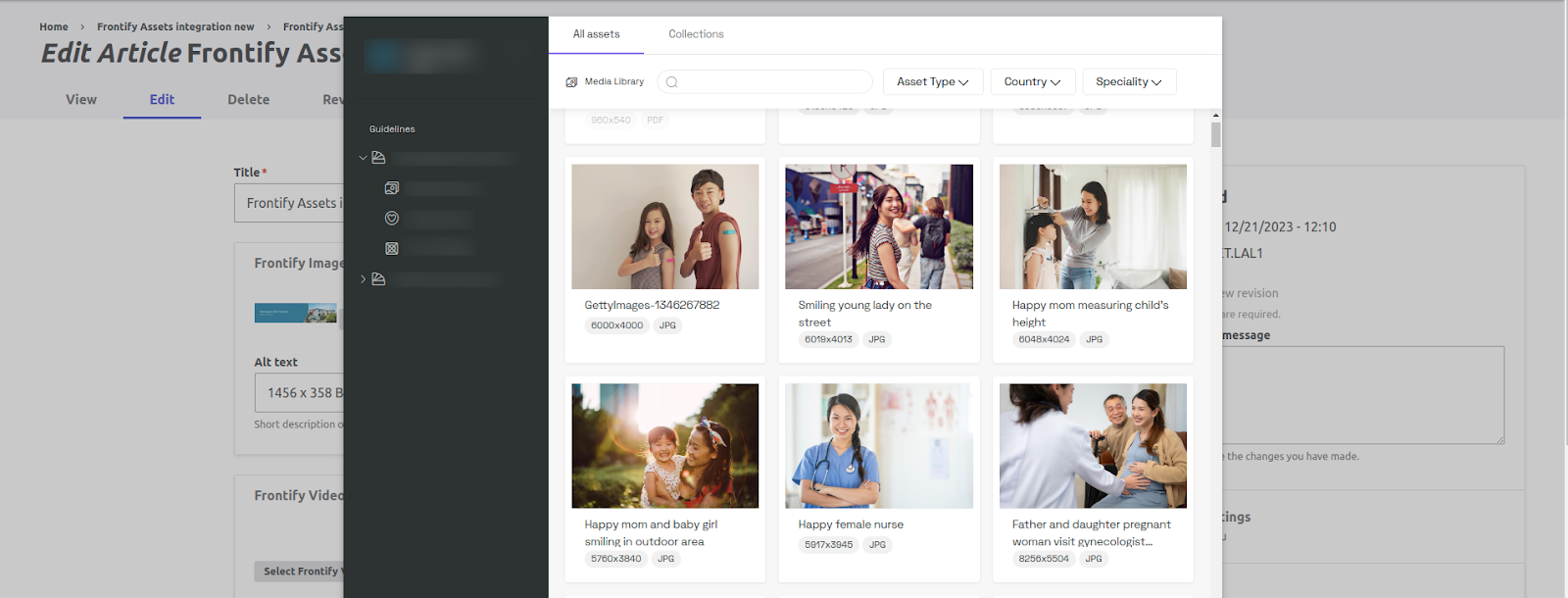
4. Maintain and Update
-
Regularly update your Frontify API key and ensure permissions are set correctly.
-
Monitor for any changes in the Frontify API that may affect your integration.
Help improve this page
Page status: Needs review
You can:
You can:
- Log in, click Edit, and edit this page
- Log in, click Discuss, update the Page status value, and suggest an improvement
- Log in and create a Documentation issue with your suggestion
