

 The 2026 Drupal Business Survey is open. Your response will help shape the future of the Drupal business ecosystem.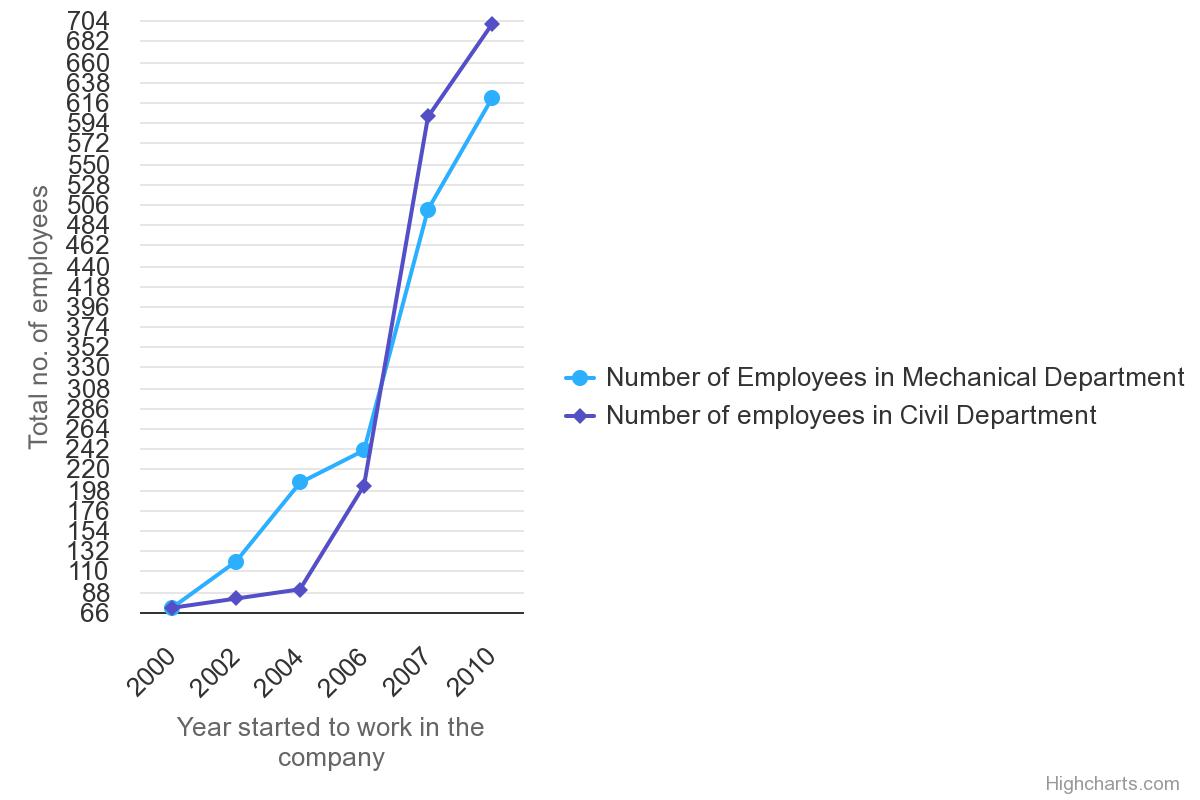

This project is not covered by Drupal’s security advisory policy.
Highcharts Plugin Integration module is used simply create a block which renders the chart based on the input given in the CSV file.
Features
You can able to render the chart as a block in any page just by upload the data required for rendering the chart. You have an option to enable or disable the options for exporting the chart as image, pdf or as chart data.
Post-Installation
After installing the module, clear the cache and goto Structure->Block layout. Search for 'Highcharts Plugin' block, configure and place it in the respective region as needed.
Additional Requirements
Upload the data file with CSV format.
Recommended modules/libraries
NIL
Similar projects
NIL
Supporting this Module
NIL
Community Documentation
NIL
Installation and Configuration

Drupal related issues and implementation will be posted under this channel
https://www.youtube.com/playlist?list=PLVDx2wSEqvXkJz1gqSRR5fl-Qxz2L6t0u
Supporting organizations:
| Attachment | Size |
|---|---|
| Sample Exported Chart | 10.57 KB |
| Sample Data Format | 25.5 KB |
Project information
 Minimally maintained
Maintainers monitor issues, but fast responses are not guaranteed.- Project categories: Developer tools
 2 sites report using this module
- Created by kothandapani48 on , updated
 This project is not covered by the security advisory policy.
Use at your own risk! It may have publicly disclosed vulnerabilities.
Releases
1.1.1
released 1 December 2024
Works with Drupal: ^8.7.7 || ^9 || ^10
Install:
Development version: 1.1.x-dev updated 1 Dec 2024 at 17:12 UTC
1.0.1-beta4
released 29 November 2024
Works with Drupal: ^8 || ^9 || ^10
Install:
Development version: 1.0.x-dev updated 14 Nov 2023 at 09:02 UTC

