

 The 2026 Drupal Business Survey is open. Your response will help shape the future of the Drupal business ecosystem.
Hi all,
I've installed LAMP on my ubuntu, after I've install drupal 5.7 and knowledgetree 3.5.4 by stack installation.
Now I want to use knowledge tree integration module. I follow the instructions and all goes fine but at point 7:
7. Run the following SQL on the KnowledgeTree database
INSERT INTO interceptor_instances (id, name, interceptor_namespace)
VALUES (1, 'DrupalInterceptor', 'drupal.drupal.interceptor');
How can I access the knowledgetree bundled mysql server?
I hope my explanation is exaustive, if not tell me anything.
Thanks in Advance...
| Comment | File | Size | Author |
|---|---|---|---|
| #10 | screen1.png | 98.71 KB | t3ooo |
| #4 | screee.png | 95.96 KB | t3ooo |

Comments
Comment #1
t3ooo commentedI've solved that problem by manually specifing of db socket.
Another question now...
I would like to see only the directory tree instead of all knowledgetree pages(dashboard etc etc...)
it's possible?
Comment #2
alexpottDoes Knowledge tree 3.5 come with a directory tree view? Old versions didn't... you needed quickbrowse part of VAO plugin for Knowledge Tree... and then in the kt config.ini you can specify the starting screen.
Regards,
Alex
Comment #3
t3ooo commentedmaybe I didn't explain well... sorry but as you can read my english is not so good.
I try to explain better.
In my knowledgetree i've a public folder. I want to see only the content of that folder in drupal, without all other knowledgetree options etc etc...
Thank you so much...
Comment #4
t3ooo commentednews on it...
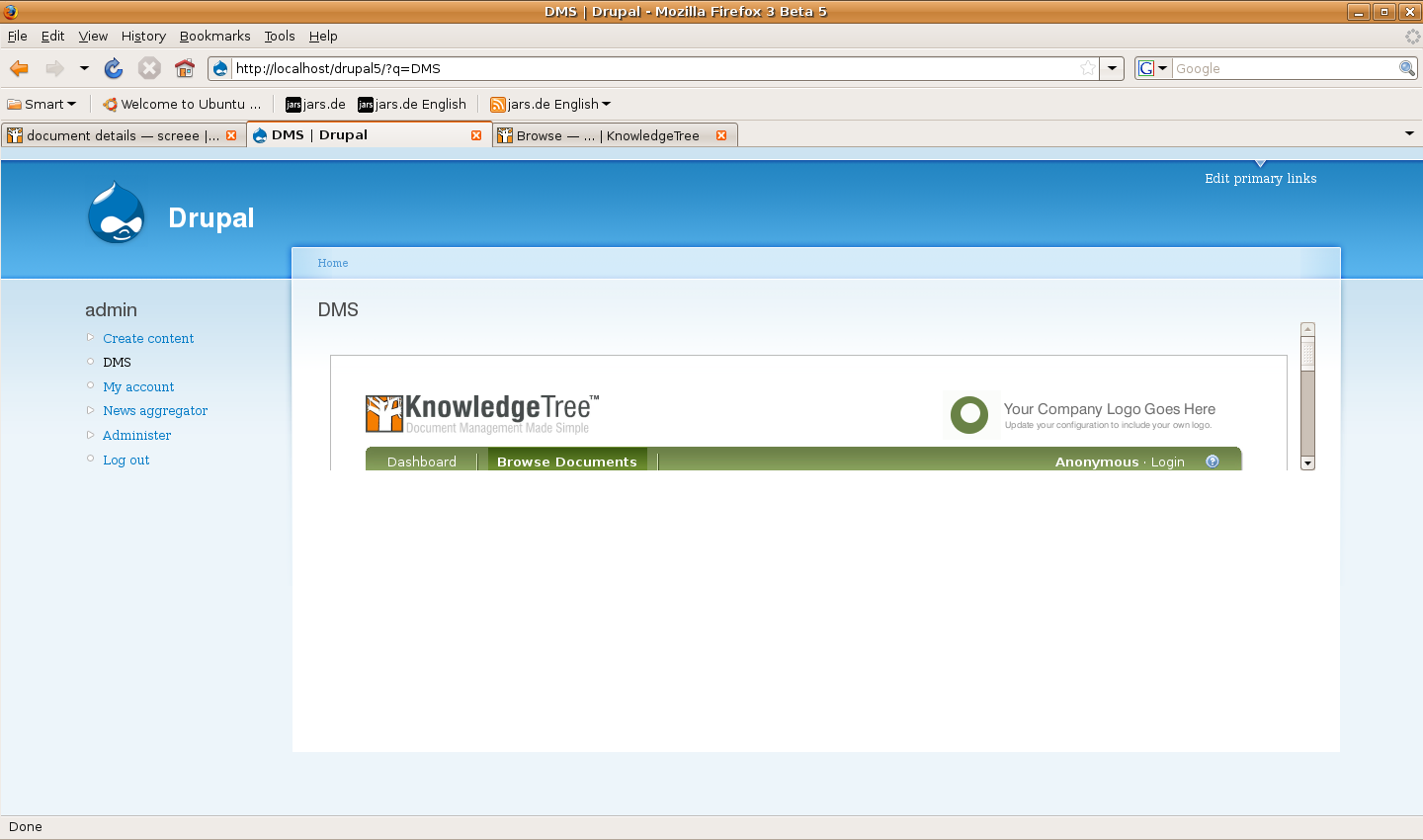
currently I'm working on a custom browse.php page (knowledgetree side) for showing only what I want...
Now I've to customize all the command but I think it could be a good solution for my problem.
Here a screenshot:
Comment #5
alexpottYou can achieve something very similar by changing knowledge tree's standard_page.smarty (in templates/kt3) and the related css file kt-framing.css (in resources/css)
In this way you won't have to customise all the commands... also with a bit of javascript magic you could show or hide KT's menu to allow admin of the knowledge tree system.
Alex
Comment #6
t3ooo commentedOk, it's a better way but there's a way for keep both solutions?
In other words:
- access via drupal on public folder use a standard_page.smarty modified and maybe called nonstandard_page.smarty.
- access via knowledgetree remain the same as the original with original standard_page.smarty
Do you think it's possible?
Thanks!!!
Comment #7
t3ooo commentedmaybe I've found a solution... I post here my solution soon...
Comment #8
t3ooo commentedby now I've a partial solution...
My idea is to send a variable via GET method in url like: someKnowledgetreeUrl/browse?public=true and get it back for use in standard_page.smarty:
{if $smarty.get.public != 'true'}
//STANDARD HEADER CODE
{/if}
this works fine but when I click on a folder showed obviously the link is someKnowledgetreeUrl/browse?ffolderID=XX where XX is the number of the folderID.
So now I've to find a way to add the same variable also in that links, like: someKnowledgetreeUrl/browse?ffolderID=XX&public=true...
I think there's another .smarty template... any idea?
Comment #9
alexpottYou could set a cookie or session variable instead of passing the variable on link... which would have a couple of advantages not least in giving more control and not allowing users to choose by changing the url.
Alex
Comment #10
t3ooo commentedYour solution is good but there's a new problem...the session is the same in drupal and in knowledgetree, so if you use at the same time drupal and knowledgetree (in the same session), the session variable is setted and unsetted...
This is a part of my code (standard_page.smarty):
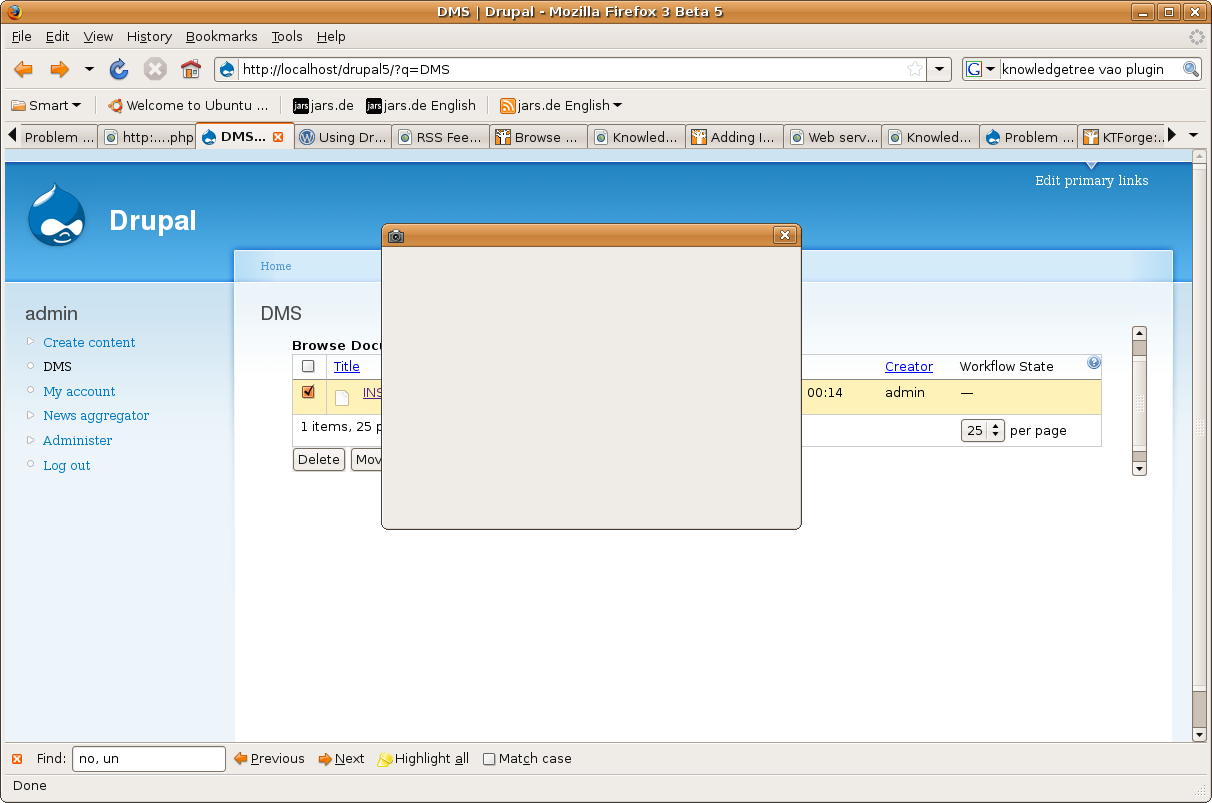
Otherwise I've notice that the plugin is runned in a little iframe, see attachment... the height value in configuration form is set to 600px
Comment #11
t3ooo commentedthat code works good...
if anybody want to use it, there's no matter...feel free.
But I've also the problem with the height of the iframe that you can see in the previous screenshot, I've set it in configuration at 600px.
Comment #12
t3ooo commentedOk, problem solved, your code has a little error, when you set the height value you've lost to set $height...
your code:
and how I fix it:
I hope this could be useful...
Regards,
Matteo