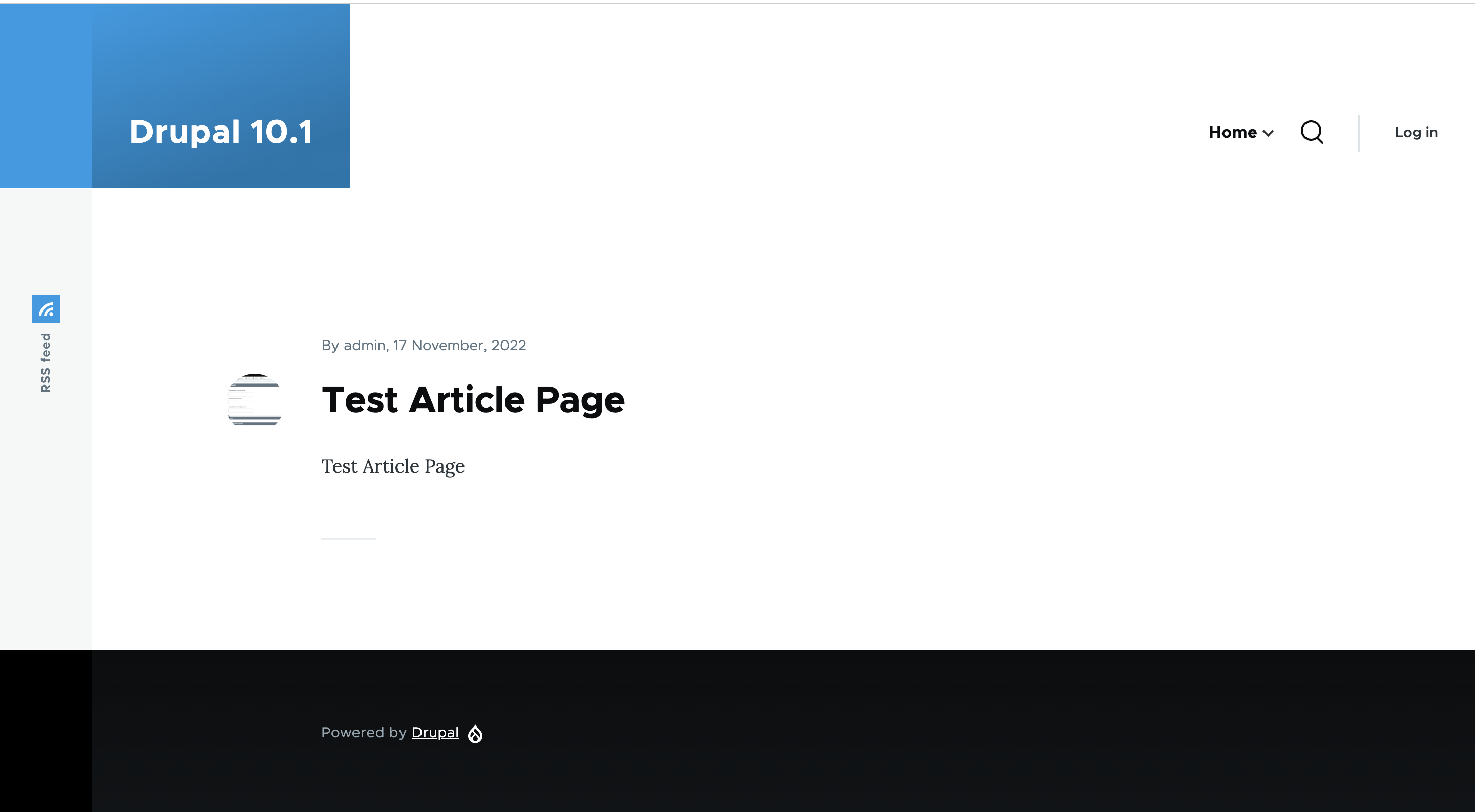
I am starting to demo updated, Olivero-based themes to clients and have had 2 request reductions in the initial empty space above the site header/branding elements.
That is, they'd like their logo and menu to be more flush with the top of the page.
I can see a min-height of 11.25 for these elements. I took an initial stab changing these values to "min-height: inherit;" and some other tweaks, but with the js-interplay the body seems to jump and I can't figure out everything I need to change to keep it a smooth transition depending on if viewing:
- site normally at top (initial visit)
- scrolling down menu not expanded
- scrolling down menu expanded
Could this either:
- be an option to have the header/branding flush with the page top, or
- some documentation/explanation of the code that needs to be changed to reduce or remove the empty space








Comments
Comment #2
w01f commentedComment #3
w01f commentedFor anyone else that might be interested, I found the following css overrides did the trick in my case. Any suggestions for improvements, etc. are greatly appreciated, and I still think having a simple toggle option for similar functionality baked in would be nice.
Comment #4
w01f commentedComment #5
anjali_jha commentedApplied above code successfully.. Adding results as screenshots..
Comment #6
mherchelComment #7
anjali_jha commentedComment #8
Aamir M commentedComment #9
Aamir M commentedVerified and tested patch #7 on Drupal 9.5.x-dev. Patch applied successfully and looks good to me.
Testing steps:
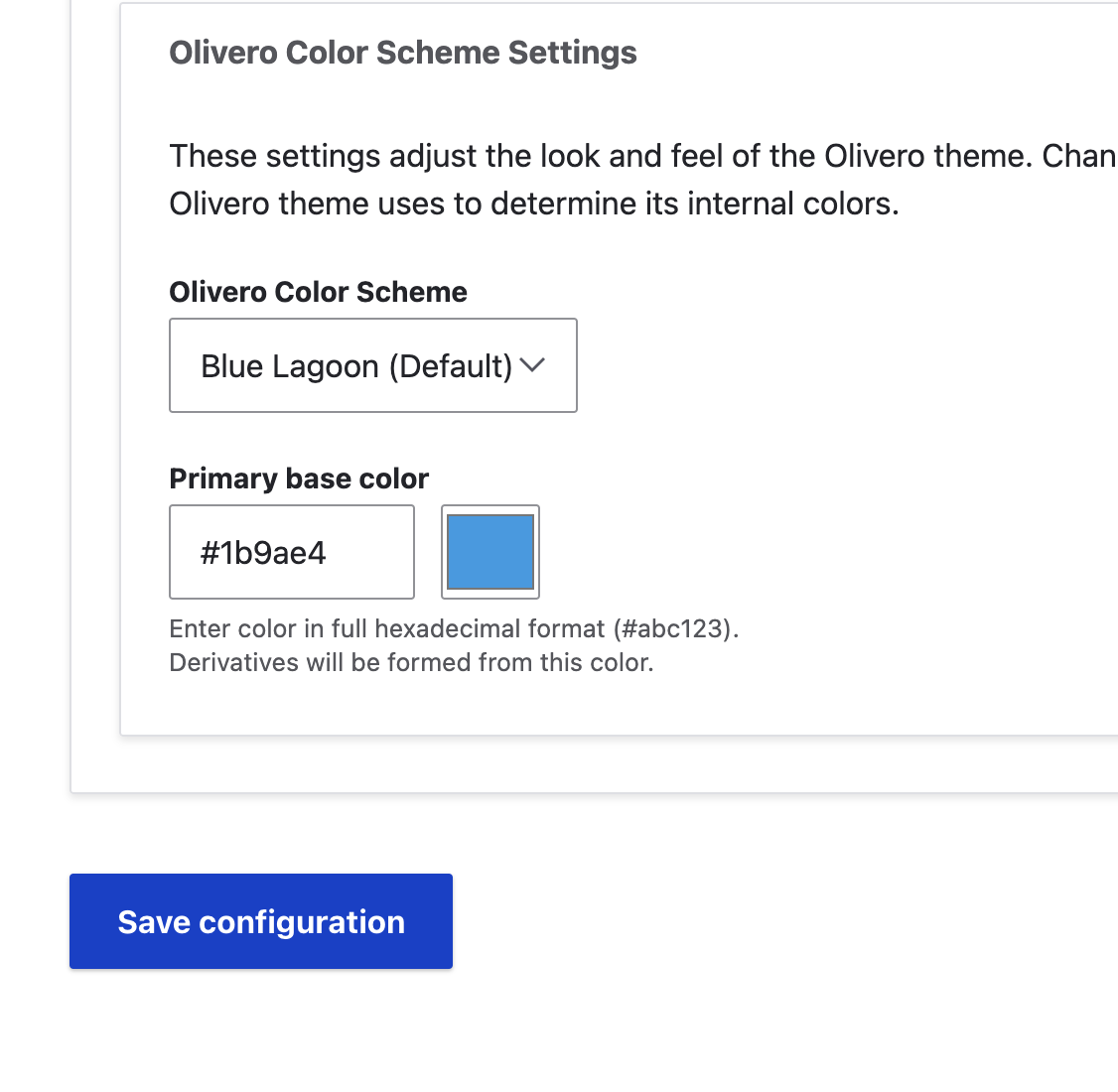
1. Goto admin/Appearance
2. Set Olivero theme in the Administration theme (Scroll down and see)
3. Save configuration
4. Observe the spacing above the Heading
5. Apply the patch
6. Reload the page. Now observe the spacing is reduced above Heading
Testing Result:
1. After applying the patch empty space above the header is reduced
Can be moved to RTBC
Comment #10
mherchelThe patch above doesn't pass tests (see where it says "Custom commands failed"), so it should not be RTBC.
In addition, this patch changes the overall design of Olivero's header, which we do not want.
Comment #11
w01f commentedJust jumping back in here to comment/clarify... I'm not recommending an outright change to Olivero - I'm sure the design team has a reason for a tall header (aside: is that rationale discussed somewhere?).
As the initial ticket title states, I'm merely suggesting adding a potentially toggleable option for a narrow or shorter header, as I've now had 4 clients directly ask why the header is a foot high and to reduce it, so I can easily see this becoming a common request.
For an example of what I'm suggesting as an option, implemented responsively, you can look at www.kobejet.com - which uses Olivero as the base theme with a simple css style tweak sheet layered on top.
Comment #13
smartsystems160 commentedAttached is a patch that adds the feature on the theme configuration to remove the extra header space
Steps: (Tested on Drupal ^10.0.x)
1. Upload patch to the /web folder of your Drupal install.
2. cd to the /web folder
3. Apply patch using git apply -v [patchfilename.patch]
4. Go to Appearance => Olivero => Settings
5. Check the box "Remove Extra Space" under Extras section at the bottom of page
6. Save Configuration
7. Clear Cache
8. Extra space should be removed.
9. To add extra space back, Repeat Step 5 and uncheck "Remove Extra Space" and Save.
Comment #14
shivam-kumar commentedHave fixed the Custom commands failed errors, coming at the patch of comment #13.
Comment #15
shivam-kumar commentedHave fixed the Custom commands failed errors, coming at the patch of comment #14.
Comment #16
nitin shrivastava commentedtry to fix #15
Comment #17
pradipmodh13 commentedApplied patch #16 and it is successfully applied.
But seems checkbox functionality is not working as expected.
If we check or uncheck remove extra space it is not reflected on front-end. Hence I am changing the status from Needs review to Needs Work.
@Nitin shrivastava can you check once again please and resubmit patch again.
For ref attaching screenshot.
Comment #18
smartsystems160 commented#17 failed on fresh install of 10.1.x for some reason.
Updated patch to add configuration settings for this feature so it can be exported with other site configurations
Steps:
1. Follow steps on #13. Please remember to clear cache after applying patch because it makes changes to .yml files in core
2. Navigate to /admin/config/development/configuration/single/export and select "olivero.settings" from the dropdown under "Configuration name"
3. You should see "extra_space" as a config value. It starts out with null, true when enabled, and false when disabled.
This ensures that the setting is consistent across sites. Tested on 10.1.x-dev
Comment #19
smartsystems160 commentedFix whitespace errors on #18
Comment #20
smartsystems160 commentedFix pcss error on #19
Comment #21
smartsystems160 commentedFix pcss indentation error on #20
Comment #22
smartsystems160 commentedFix PostCSS update error on #21
Please clear cache after applying patch!
Comment #23
gaurav-mathur commentedComment #24
w01f commentedCan we roll a version for 9.x for testing?
Comment #25
smartsystems160 commentedPatch #25 for 9.5.x
Comment #26
w01f commentedTested on 9.4.8 and works beautifully!
Comment #27
gaurav-mathur commentedComment #28
smartsystems160 commentedKeeping both the 10.1.x and 9.5.x patches visible at the top of this issue.
More tests needed for push to RTBC
Comment #29
pradipmodh13 commentedSuccessfully Applied patch #28 for Drupal 10.1.x version. It is working as expected. For ref attached screenshot.
Now we can move this bug to RTBC.
Thank you @smartsystems160 !
Comment #30
gaurav-mathur commentedApplied patch#28 works fine on Drupal 10.1.x version
Refer to the screenshot
RTBC +1
Comment #31
w01f commentedMoved to RTBC - thanks all for your amazing work on this!
Comment #32
w01f commentedComment #33
w01f commentedComment #34
bnjmnmThe header can be a little chunky looking, so this could be a nice change.
I have some feedback regarding what this would need to move forward:
This could benefit from a rename that better explains what it does. 'Extra space' is pretty abstract, and it wouldn't take much to make this more descriptive. That will become more beneficial as Olivero adds more config options.
It looks like this solution is hoisting the entire element upward - so it doesn't actually address the unwanted whitespace, but instead slides that portion offscreen.
This is better addressed by altering the style that adds the additional space to begin with
.site-brandingis set tomin-height: var(--sp3);. If that min-height is changed, the unwanted space is actually remove instead of just shifted offscreen.Also noticed an excess space in the comment "Removes. extra space from the header"
All the other markup is identical, so this could just conditionally add the class instead of an entire if/else generating a full header tag.
Also, I believe
if extra_spaceshould be sufficient. If this needs to be enforced as boolean, anassert()in the preprocess can do that.It looks like here and elsewhere in the file, there is a bunch of indentation changes that are out of scope.
"Remove extra space" seems like something that won't make much sense outside of this issue. Space being "extra" is subjective, and it assumes familiarity with Olivero prior to this change.
The setting name should more explicitly say it will result in a smaller/larger header as that more accurately describes the result.
Comment #36
oswa_cabrera commentedComment #37
oswa_cabrera commentedComment #38
oswa_cabrera commentedHello everyone, I was testing patch #28 and everything seemed fine but when I viewed my site in tablet and mobile mode I realized that the header disappears completely on mobiles and partially on tablets, Here are the screenshots.
mobile_header.png
tablet_header.png
Comment #39
w01f commentedComment #40
w01f commentedUpdated the title to be clearer regarding the purpose of this issue as requested. Here are some examples of what I think the ideal alternative height should look like, and would like other's opinions.
https://www.kobejet.com
https://www.gordillo.legal
Would a simple toggle option for one reduced height option be sufficient, or would a numeric field to set the desired height in px/rem be desirable? Also, any other options (e.g., vertical centering - top, middle, bottom - for the header elements, manual option to set mobile menu swap width, etc.)?