

Closed (fixed)
Project:
Modal
Version:
8.x-2.6
Component:
Code
Priority:
Normal
Category:
Support request
Assigned:
Unassigned
Reporter:
Created:
9 Jan 2020 at 16:53 UTC
Updated:
26 May 2020 at 13:53 UTC
Jump to comment: Most recent, Most recent file

Comments
Comment #2
hardik_patel_12 commentedComment #3
kishor_kolekar commentedComment #4
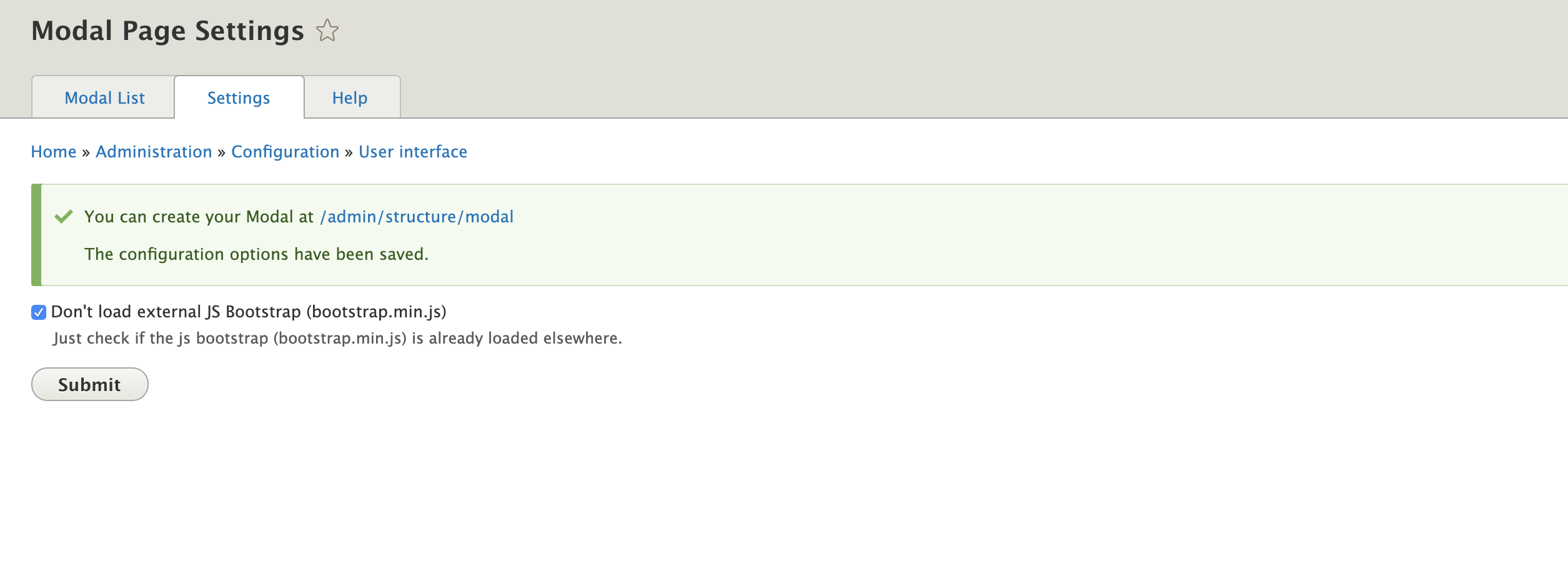
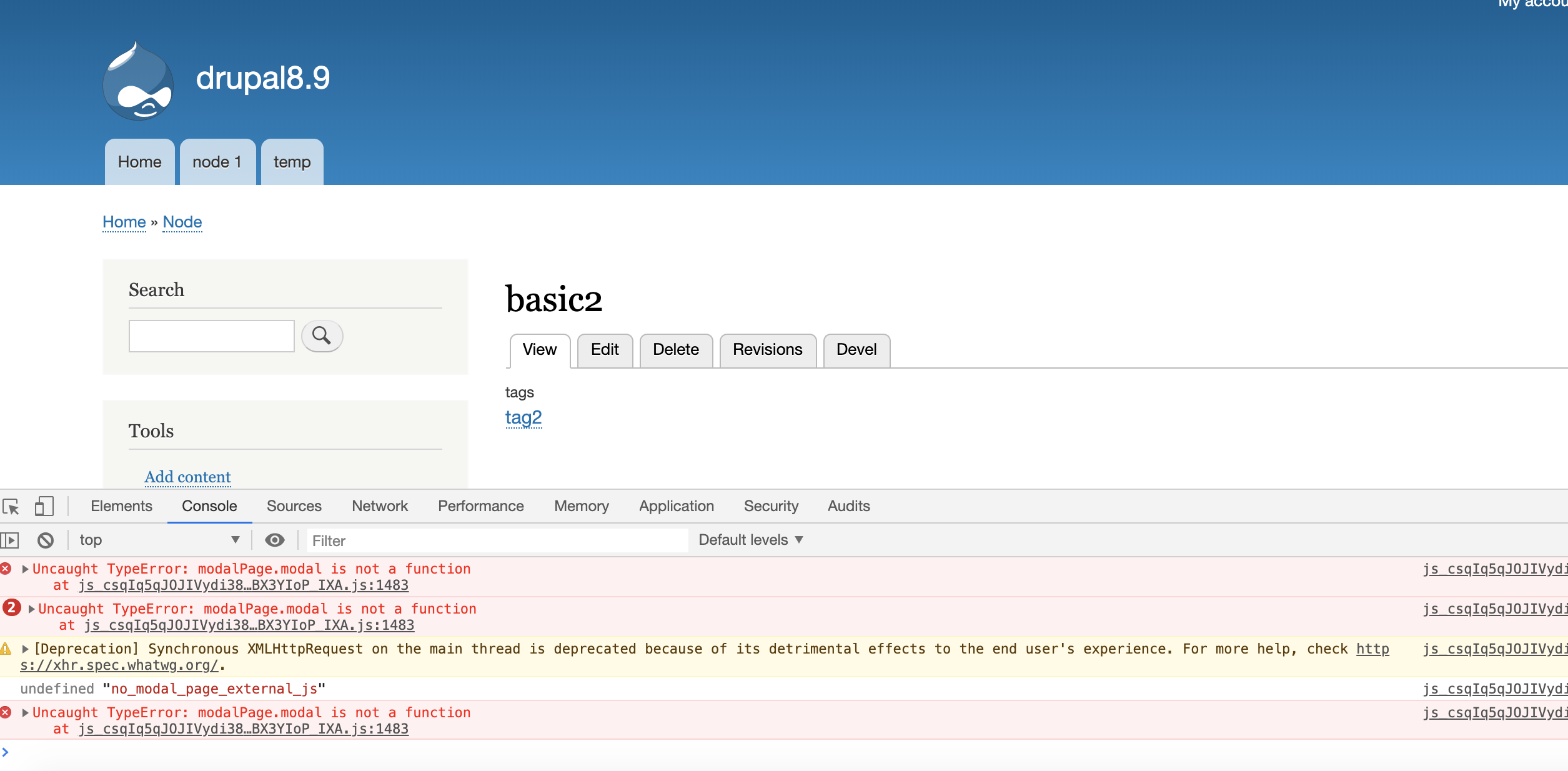
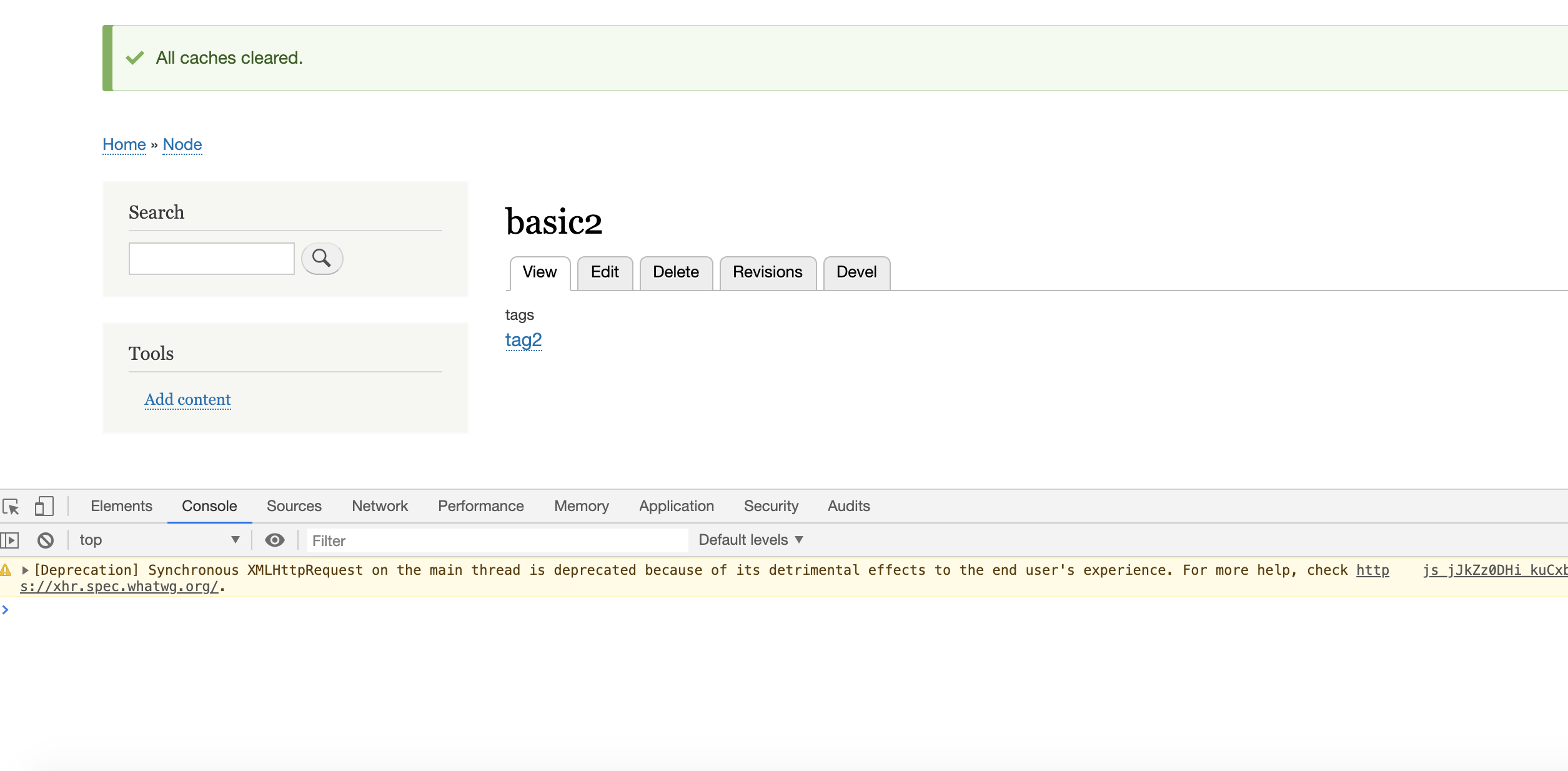
thallesYou should check(the checkbox) if you have already loaded bootstrap.js in another location or if this error will occur
Comment #5
kishor_kolekar commentedComment #6
renatog commented@Hardik_Patel_12 the recommendation on comment #4 works well for you?
Comment #7
renatog commentedComment #8
renatog commentedComment #9
renatog commented