

This project is not covered by Drupal’s security advisory policy.
INTRODUCTION
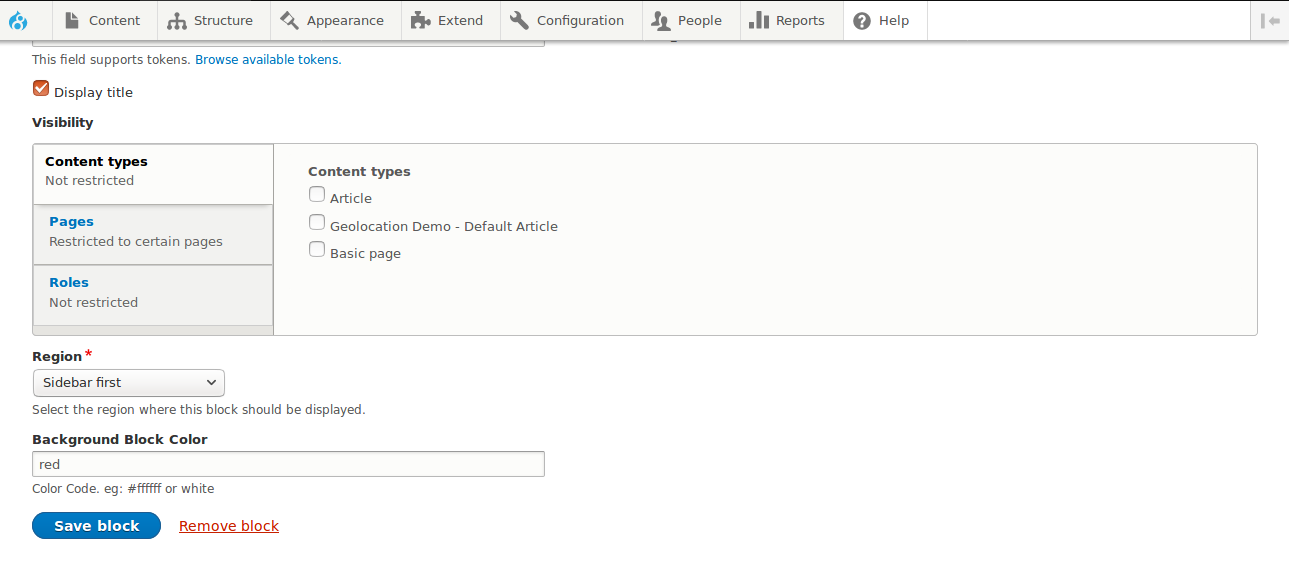
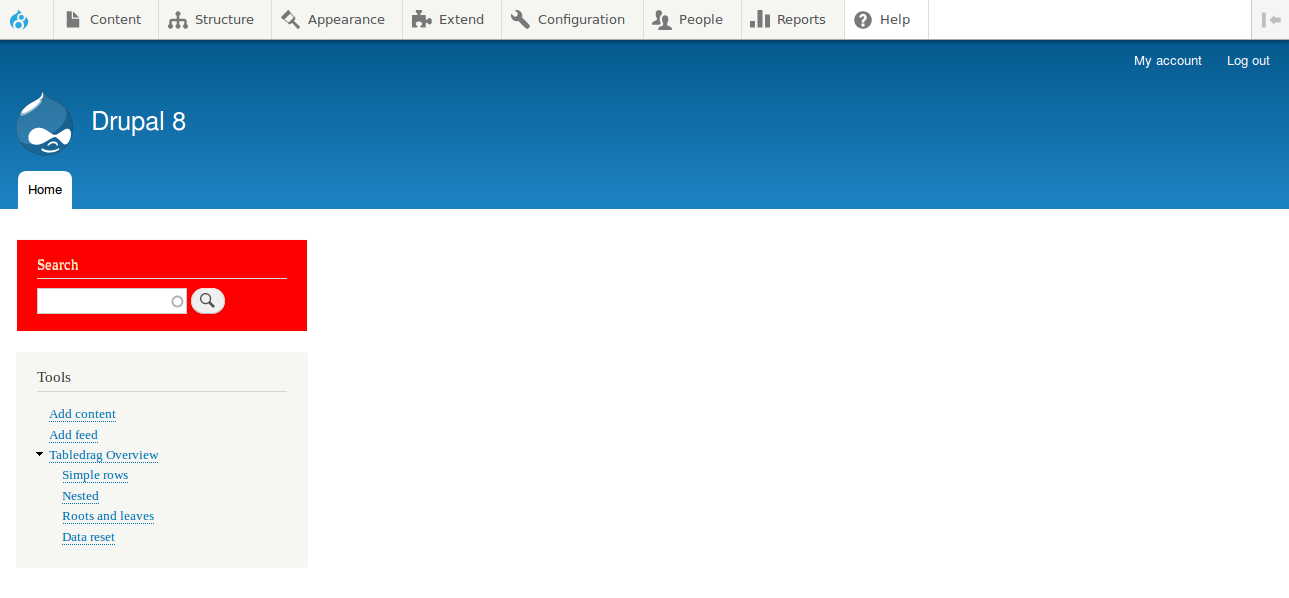
Change background block color.
REQUIREMENTS
The Menu Block just requires the Block project:
* Block (https://drupal.org/project/block)
INSTALLATION
Install as you would normally install a contributed Drupal module. See:
https://drupal.org/documentation/install/modules-themes/modules-8 for further
information.
CONFIGURATION
* Visit the block configuration page at Administration » Structure » Block
Layout and click on the Configure link for a block.
* Enter the color code in the field provided and save the block.
Project information
 43 sites report using this module
- Created by radheymkumar on , updated
 This project is not covered by the security advisory policy.
Use at your own risk! It may have publicly disclosed vulnerabilities.


