

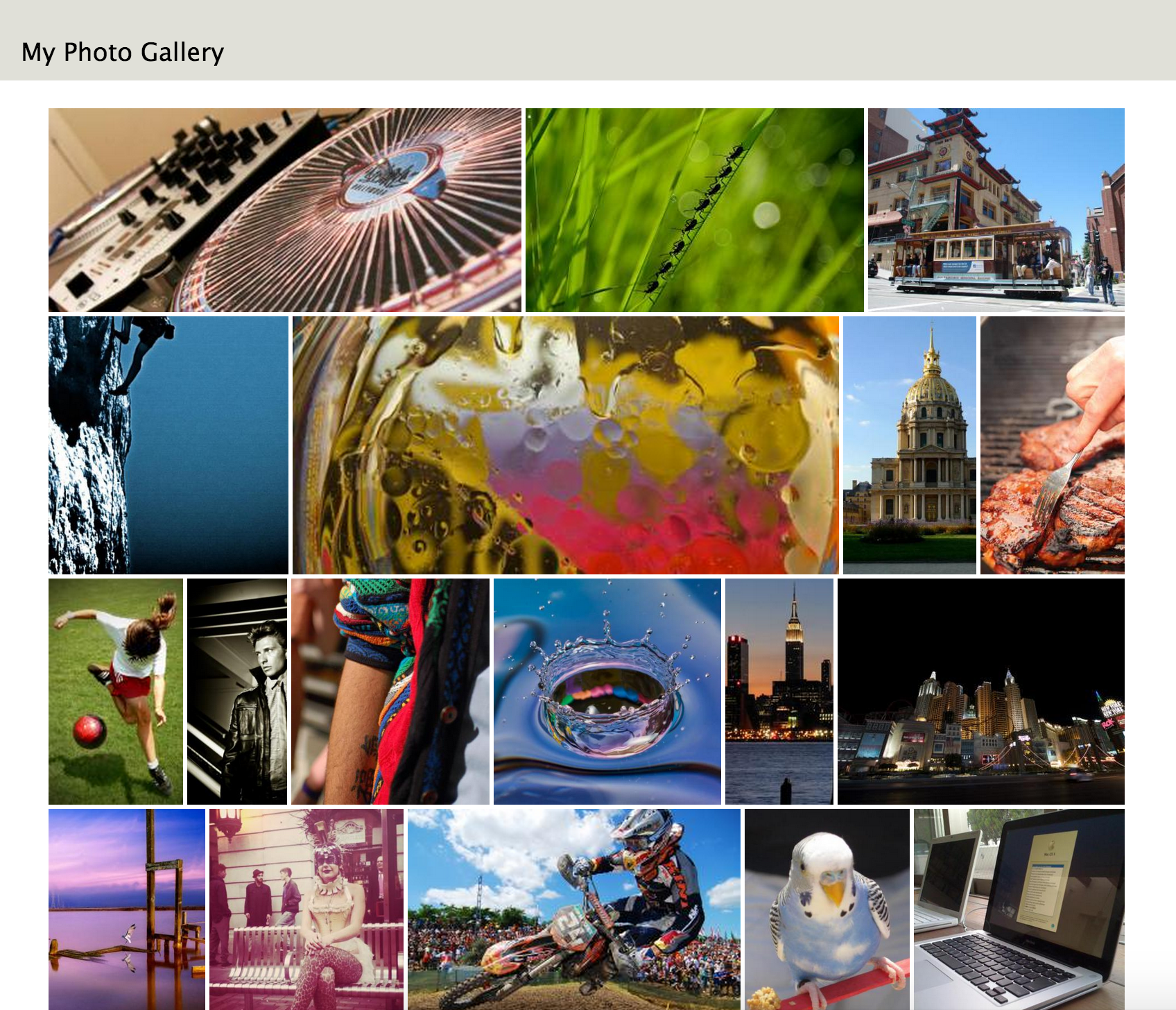
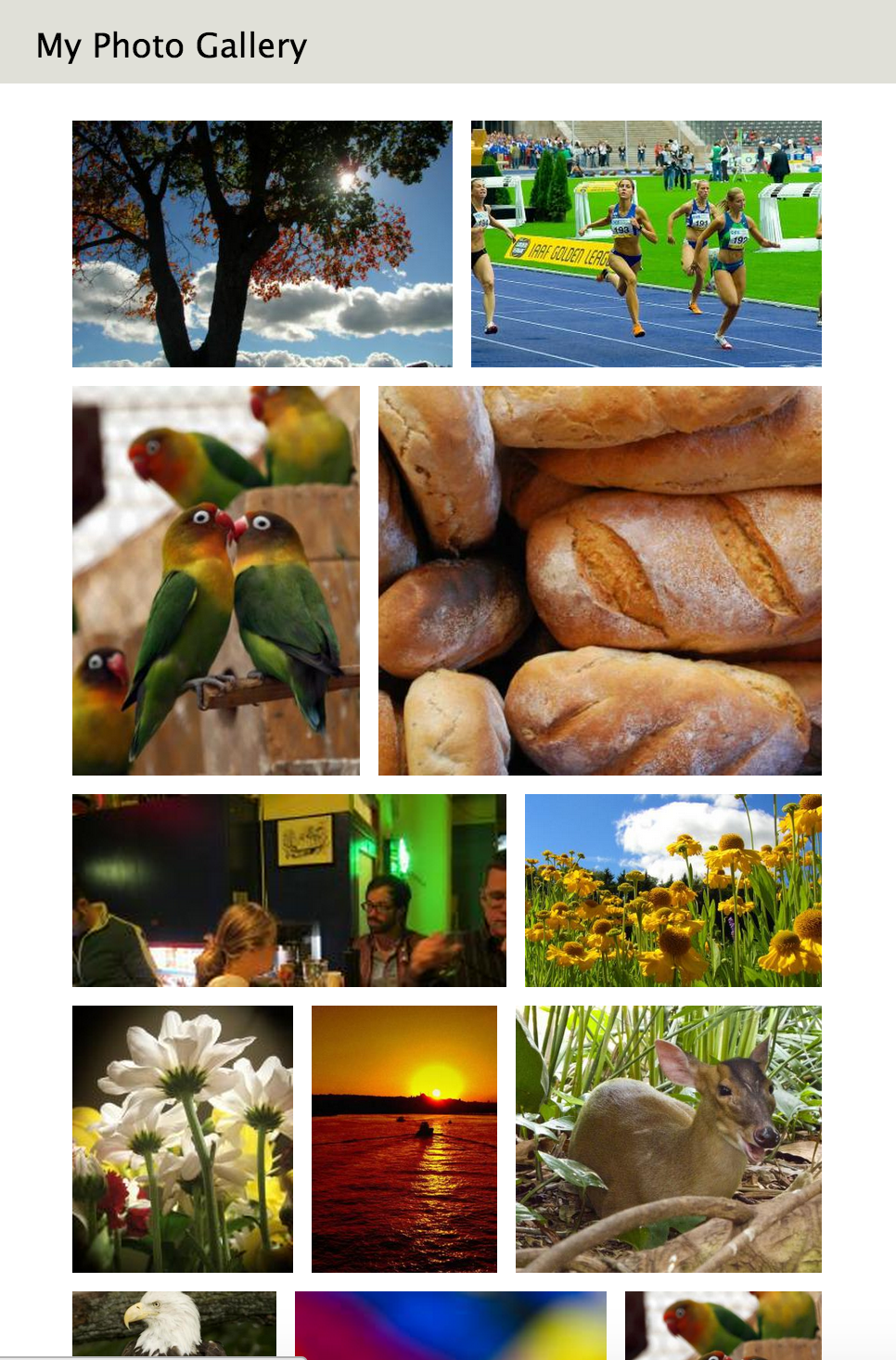
This module adds a responsive photo grid display style to Views. The photo grid style arranges photos such that the height in each row is consistent, and the photos always fill up all the available width.
The photo grid adopts the arranging algorithm of jQuery Sortable Photos. Try a demo here:
http://glekli.github.io/jQuery-Sortable-Photos/
Usage
- Install and enable the module.
- Create a view, and select 'Photo grid' as the format.
- In the 'fields' section of the view configuration, add the image field you would like the grid to display. Remove all other fields. Note that the photo grid can only display one field for each node.
- Optional: Configure the size of the padding in the view format settings.
Project information
- Project categories: Content editing experience, Content display, Media
 2,056 sites report using this module
- Created by glekli on , updated
 Stable releases for this project are covered by the security advisory policy.
Look for the shield icon below.

