

 The 2026 Drupal Business Survey is open. Your response will help shape the future of the Drupal business ecosystem.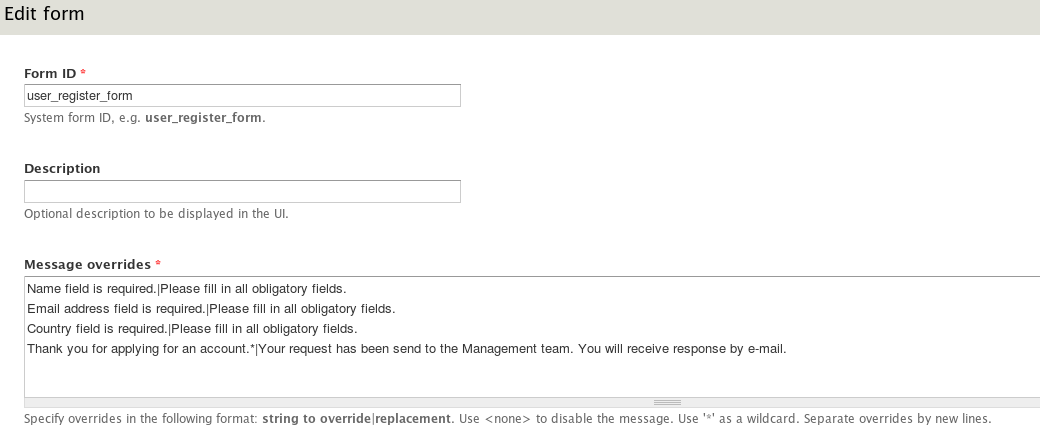
This project is not covered by Drupal’s security advisory policy.
Overview
This module is designed to alter or disable status messages displayed on form submission and validation.
Usage
Enable module and visit admin/config/user-interface/message-overrides. Add any form by specifying form ID. Normally you can find it in the
element on the page - just replace hyphens "-" to underscores "_". E.g. system ID of "user-register-form" is "user_register_form".
To add or remove the message, use the following syntax:
[original message]|[new message]
For instance:
Name field is required.|Please fill in Name field.
To remove the message, use <none> token:
Name field is required.|<none>
The character '*' is a wildcard.
Credits
Dmitriy Novikov from SmartWolverine.net.
Project information
- Project categories: Administration tools, Developer tools
 10 sites report using this module
- Created by d.novikov on , updated
 This project is not covered by the security advisory policy.
Use at your own risk! It may have publicly disclosed vulnerabilities.

