

Closed (fixed)
Project:
Drupal core
Version:
8.0.x-dev
Component:
CSS
Priority:
Normal
Category:
Bug report
Assigned:
Unassigned
Issue tags:
Reporter:
Created:
27 Aug 2013 at 21:04 UTC
Updated:
29 Jul 2014 at 22:49 UTC
Jump to comment: Most recent, Most recent file



Comments
Comment #1
meladawy commentedComment #3
meladawy commentedComment #4
oostieI was able to apply this patch and can confirm that it solves this issue.
I deleted a whitespace on the padding-bottom rule and created a new patch.
Comment #5
joelpittetI gave this a test and it still giving huge height image. It touches it up a bit for when the toolbar is up but still large when it's down.
This likely needs another div for the padding's percentage to pickup the correct container's width:
http://wellcaffeinated.net/articles/2012/12/10/very-simple-css-only-prop...
Or maybe slightly better without the extra div.
http://www.mademyday.de/css-height-equals-width-with-pure-css.html
Also the correct proportions should probably be 74% to match the other image sizes.
Thanks for creating this issue and patching!
Comment #6
lewisnymanYeah it looks like we need to change the proportion to match. It looks like .no-screenshot also has a max-width set on it. We should try removing it.
I don't understand the .toolbar-vertical selector inclusion? How is the toolbar involved here?
ps. If we are putting this in system.admin.css then we should probably assign this to CSS instead of the Seven theme right?
Comment #7
joelpittetThat toolbar stuff is baffling to me as well, I'd suggest removing it but maybe need to do a
git bisectto see what issue it was introduced in.And yes to the component ps, that makes way more sense, thanks:)
Comment #8
sqndr commentedComment #9
sqndr commentedThe best way to solve might be to use a placeholder image. This way, all the div have an actual image which should then fix this issue. Any thoughts?
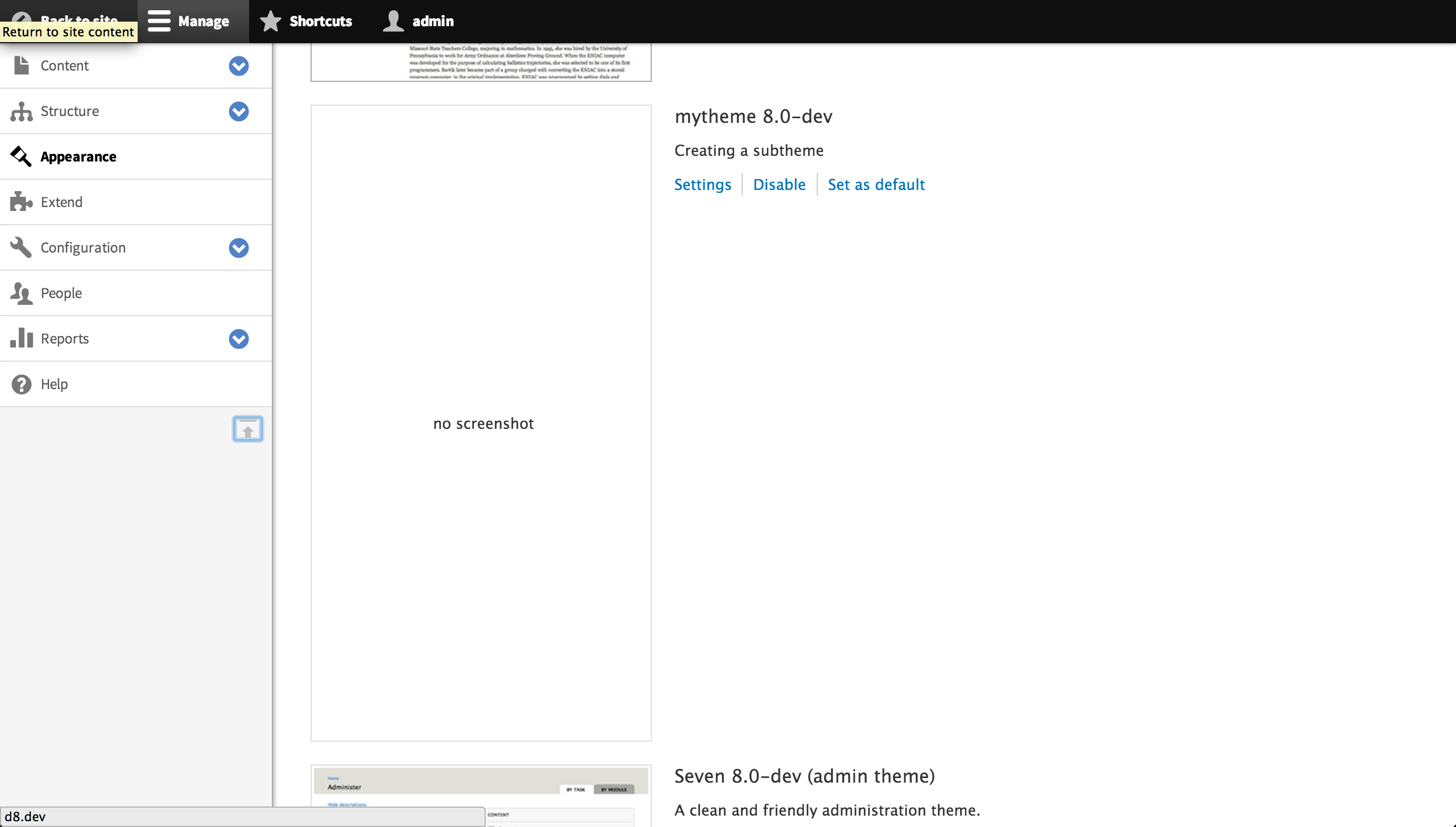
Also, the current patch only fixes the problem when the toolbar is on the top of the page. If I moved the toolbar to the right, the problem occurred again:
Toolbar is on the top, patch looks good:

Patch does not apply when the toolbar is on the left. Also - adding the same padding-bottom does not result in the correct results.

Comment #10
sqndr commentedComment #11
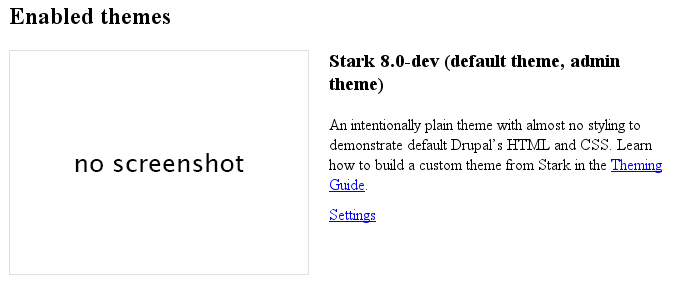
oostieI found out that the same occurs with disabled theme's.
The DIV without an image is slightly smaller then the one's with an image.
Comment #12
lewisnymanYes let's try and add a default image instead of text, then it will be easy to make it consistent.
Comment #13
sqndr commentedThe other thing to do, might be to include a fixed height for the
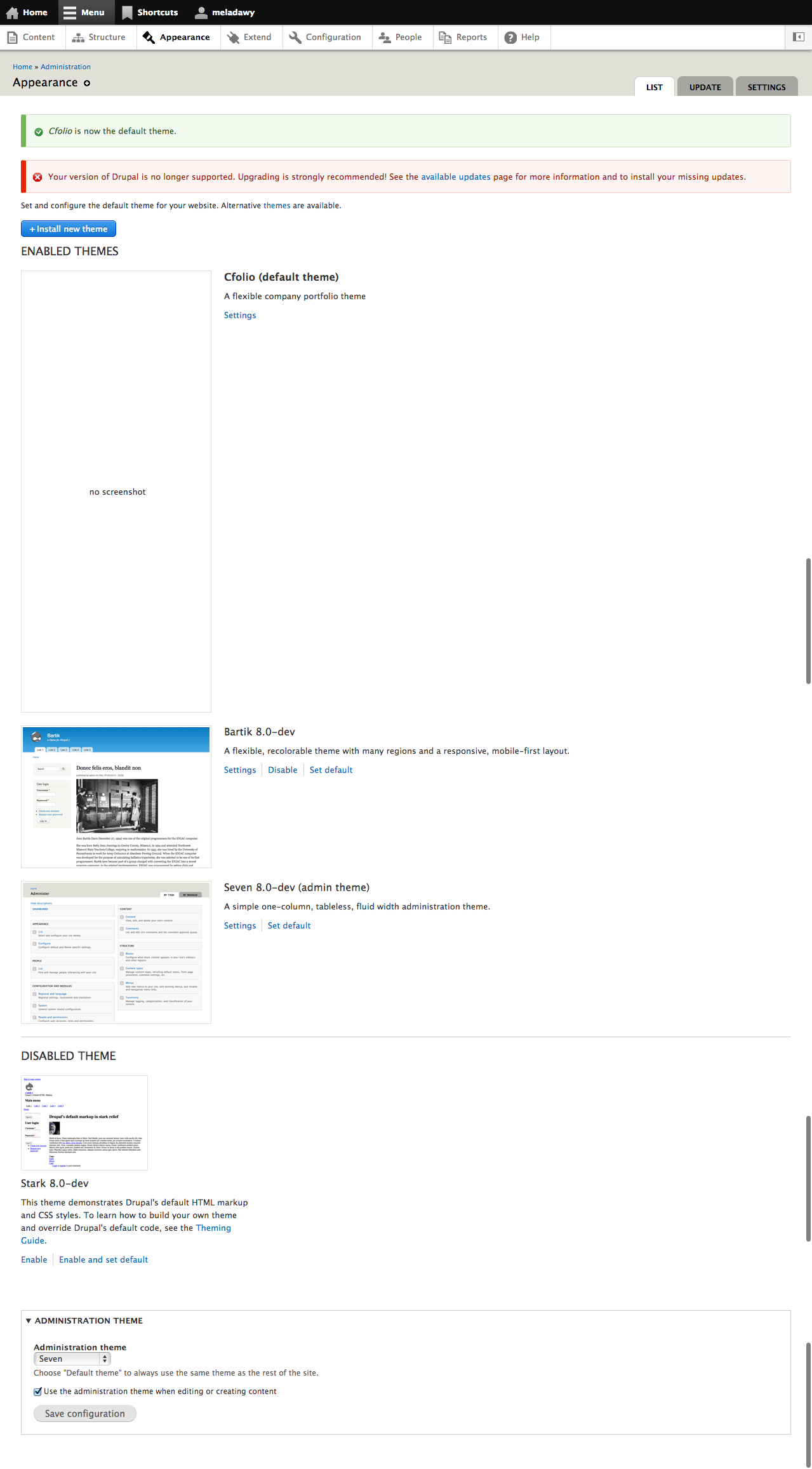
.toolbar-vertical .no-screenshot. We could do this, because by default, thisdivis set todisplay:none. The empty 'screenshot' (so, this no-screenshot) is only shown when the min-width is 45em:@media screen and (min-width: 45em) {Some screenshots are attached, showing what the patch does.
So - this might be another way to fix the issue.
Comment #14
temaruk commentedImplemented the default image solution, as mentioned in #2075475-12: Theme with no screenshot CSS heigh issue . Attached a patch, applies against *current* 8.x HEAD.
As you will see, I have removed some CSS styling that became unnecessary this way. Also, removed the else branch from the
system-themes-page.html.twigtemplate file, which take care of rendering the "no-screenshot" case, and moved this decision into the relevant preprocess function (template_preprocess_system_themes_page), as I consider this logic more appropriate in that layer of the process.Comment #15
oostieHere's a patch which will provide a default image, i'm not that good with Photoshop so if somebody else can create the image :)
Comment #16
oostieDamn temaruk, just a minute faster then me ;-)
Comment #17
sqndr commentedI've tested the patch from #14 by creating a new theme without a screenshot. Seems like this solves the issue, since there now is an actual image.
Comment #18
lewisnymanThis looks good. I really like this. One question about the image, what font is it? It would be nice to match Lucida Grande, which is used by Seven.
Comment #19
temaruk commentedAttached a new version of the image, with Lucida Grande. (The previous was Helvetica Neue.)
Comment #20
lewisnymanGreat, it looks like someone needs to roll this into a patch?
Comment #21
sqndr commentedComment #22
sqndr commentedRight, I added the new image with the Lucida Grande font from #19 to the patch from #14. Needs a review.
Comment #23
sqndr commentedNeeds a review.
Comment #24
alexrayu commentedWorks for me.
Comment #25
lewisnymanWoop! I'm happy with this.
Comment #26
webchickSorry, can someone direct me as to which patch needs committing? I'm a little confused. Looks like a great fix, though!
Comment #27
lewisnymanHey, I forgot to mention that issue-2075475_no_screenshot-22.patch is the latest patch. We discussed it in person and sqndr accidentally posted the original #14 patch again by mistake
Comment #28
webchickDuh, right. That makes sense. Sorry for being an eeeediot. :)
Committed and pushed to 8.x. Thanks!
Comment #30
sqndr commented