Closed (fixed)
Project:
Manual Crop (old)
Version:
7.x-1.x-dev
Component:
User interface
Priority:
Normal
Category:
Feature request
Assigned:
Unassigned
Reporter:
Created:
16 Jan 2013 at 17:49 UTC
Updated:
2 Feb 2013 at 23:50 UTC


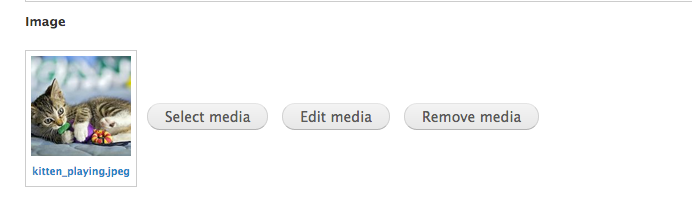
Since the Media module's image preview doesn't show the cropped version, I sometimes go into the cropping ui just to check where it's cropped. I don't want to change anything and expect a Cancel button to be there. See attached. I realize I can just click Save, but that implies that I've changed something. Please add a Cancel button that closes the cropping ui.
| Comment | File | Size | Author |
|---|---|---|---|
| media_module_preview.png | 42.8 KB | dkingofpa | |
| cropping_ui.png | 1.01 MB | dkingofpa |


Comments
Comment #1
matthijsHi,
Thanks for the feedback. If you want to quit without saving you can always hit ESC, can you make your peace with that solution or do you really want the button? :-)
Matthijs
Comment #2
dkingofpa commentedHow are people supposed to know they can just hit ESC? My opinion is that users already understand what a Cancel button means. ESC is a nice shortcut for power users, but most clients are not power users. There's already a Cancel button that displays sometimes. I'd just display it all the time and have consistent functionality.
Comment #3
matthijsHi,
After writing my previous comment I was thinking about this and realized that the cancel button should indeed always be shown. So after some investigating it saw that the cancel button had a faulty class (the same as the reset button), witch caused that button disappeared.
I've just applied and committed the fix!
Matthijs