

Closed (fixed)
Project:
Autocomplete Deluxe
Version:
7.x-2.x-dev
Component:
User interface
Priority:
Normal
Category:
Bug report
Assigned:
Unassigned
Reporter:
Created:
22 Aug 2012 at 15:26 UTC
Updated:
24 Sep 2012 at 06:51 UTC
Jump to comment: Most recent file


Comments
Comment #1
dusov commentedChrome 21.0.1180.89
two different site D7.15 and D7.14
problem for Drupal 7.15 or other modules
Comment #2
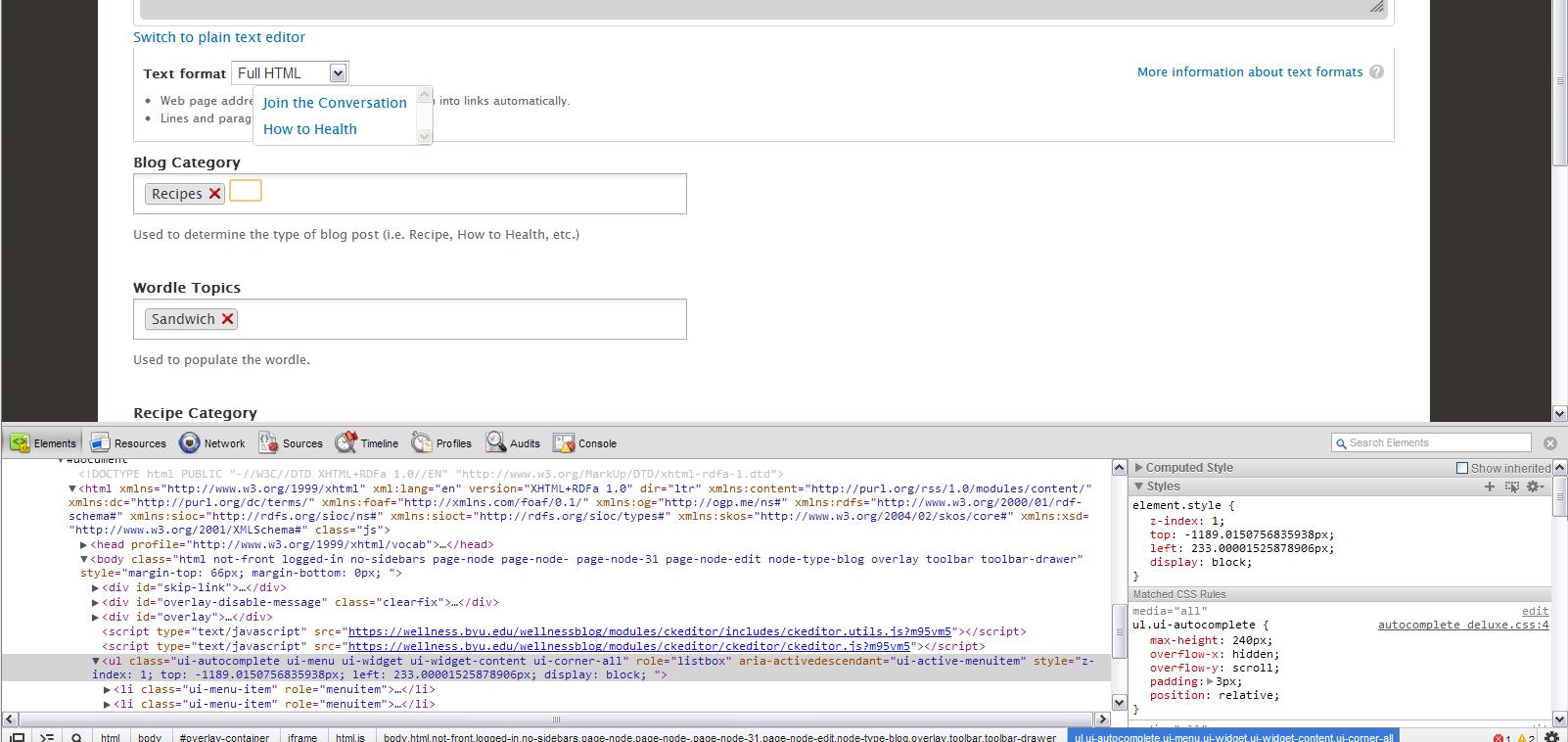
sepgil commentedI've fixed the bug. seems chrome doesn't likes position: relative :P
Comment #3.0
(not verified) commentedI added the version of Chrome I am running.