

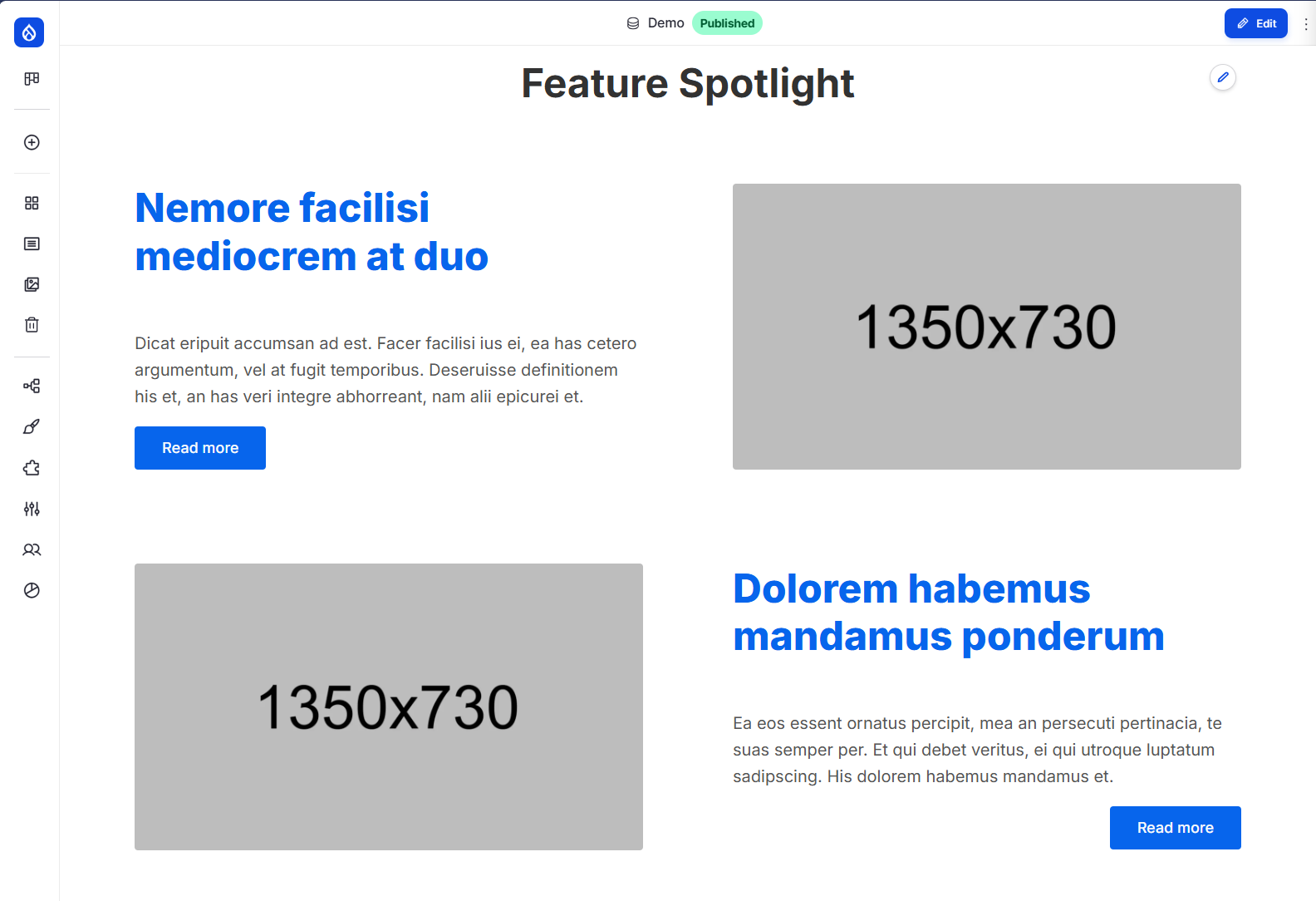

Extra Highlight Feature is a reusable spotlight recipe for marketing and product pages. It ships a polished block type plus sample content so you can see the result immediately. The recipe is designed to shine with the Basecore theme, delivering the exact front-end look shown in the screenshots.
This is the same component we use in More than Themes premium products - now contributed to the community as a clean, reusable recipe.
Why it stands out

- A focused highlight block that feels like a real landing-page callout.
- Editor-friendly fields and layout controls that make it easy to tune the look.
- Includes demo content so teams can see and iterate fast.
Editor experience (what site builders/editors see)
The Extra Highlight Feature block gives editors a clear, structured form with sensible options:
- One or more Highlight Feature items.
- Short headline and rich description text.
- Primary image media with alt/title fields.
- Image fit option for display behavior.
- Optional link for the feature.
Front-end experience (what visitors see)
A clean, focused callout that pairs a bold title with supporting text and a strong image. The layout scales across screens and gives teams a credible product-grade highlight without custom theming.
What this recipe provides
- Block type: Extra Highlight Feature
- Paragraph type: Highlight Feature item
- Fields and display configuration
- Sample content in content/ for instant preview
Where to find the demo block

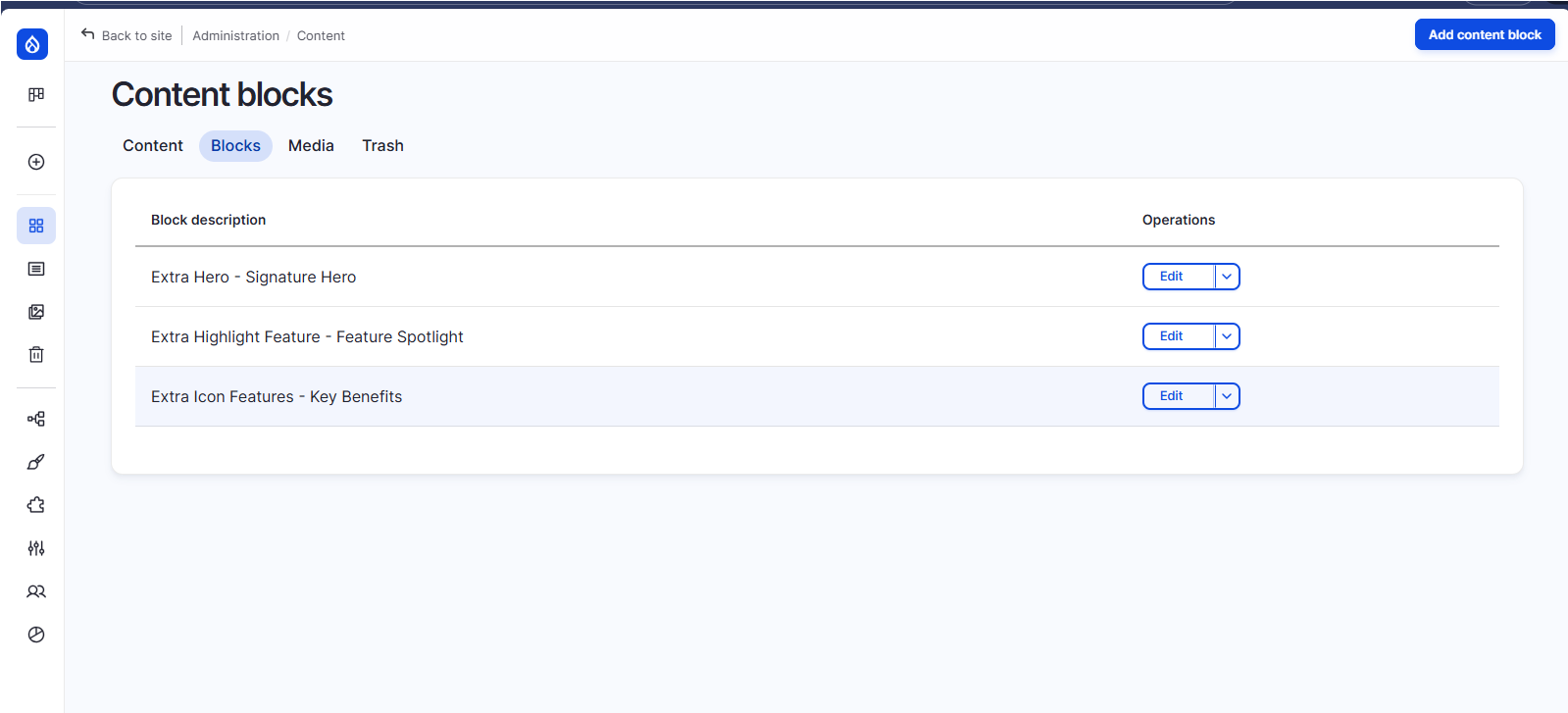
In Layout Builder, click Add block → Content block and look for:
- Extra Highlight Feature - Feature Spotlight
Best with Basecore
Extra Highlight Feature is built to look its best with the Basecore theme:
Try Extra Highlight Feature Instantly in Your Browser
Want to see how Extra Highlight Feature looks and works inside a real Drupal site - without installing anything?
We've prepared a live, cloud-based Drupal CMS development environment using GitHub Codespaces + DDEV. You can test Extra Highlight Feature (with Basecore styling) in minutes, directly from your browser.
One-click demo setup includes:
- Drupal CMS 1.3.x
- Basecore theme pre-installed
- Extra Highlight Feature recipe ready to apply
- Extra Project Browser to discover the recipe
- No local setup required!
Try Extra Highlight Feature in GitHub Codespaces now
Installation
- Download the recipe with Composer:
composer require drupal/extra_highlight_feature
- Apply the recipe via the Recipes UI, or:
drush recipe extra_highlight_feature
- You can also find it through Extra Project Browser:
https://www.drupal.org/project/extra_project_browser
Screenshots
TODO: Add images
- Front-end highlight feature preview
- Editor form with Title/Body/Image/Link controls
About this contribution
Extra Highlight Feature is a reusable component from More than Themes Webmaker+ premium distribution, shared to help the community ship beautiful, high-impact highlights faster.
Project information
- Ecosystem: Recipe
- By skounis on , updated
 Stable releases for this project are covered by the security advisory policy.
Look for the shield icon below.
