This project is not covered by Drupal’s security advisory policy.
INTRODUCTION
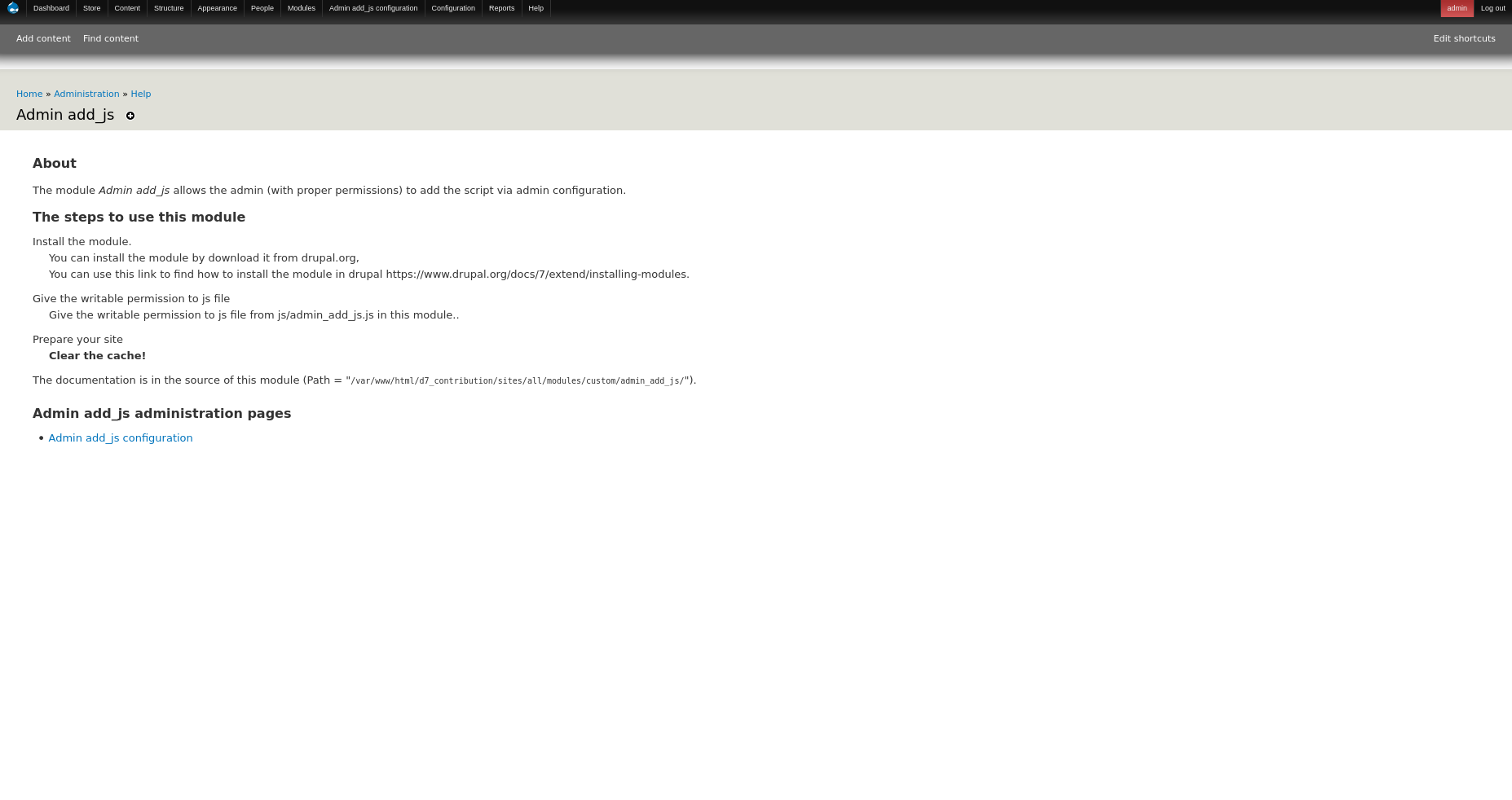
The module Admin add_js allows the admin (with proper permissions) to add the script via admin configuration.
There is a configuration option for the Admin to enter the script.
* For a full description of the module, visit the project page:
https://www.drupal.org/project/admin_add_js
* To submit bug reports and feature suggestions, or to track changes:
https://www.drupal.org/project/issues/admin_add_js
REQUIREMENTS
This module requires no modules outside of Drupal core.
INSTALLATION
* Install the Admin add_js module as you would normally install a
contributed Drupal module. Visit https://www.drupal.org/docs/7/extend/installing-modules for
further information.
CONFIGURATION
1. Navigate to Administration > Modules and enable the module.
2. Give the writable permission to js/admin_add_js.js
3. Navigate to admin/admin_add_js/config for configurations.
4. Script can be entered and submit.
| Attachment | Size |
|---|---|
| Admin add_js help | 68.8 KB |
| Admin add_js configuration | 32.36 KB |
Project information
- Project categories: Developer tools
- Ecosystem: drupal_add_js
 1 site reports using this module
- Created by siva_drupal on , updated
 This project is not covered by the security advisory policy.
Use at your own risk! It may have publicly disclosed vulnerabilities.