
No Code Implementation of Bootstrap Floating Labels
Last updated on
30 November 2021
Instead appearing above a before a field, Floating Labels appear in a form field like placeholder text. When a user clicks the field, the label moves to the top of the field and the text size is reduced. There are several UX and accessibility experts who dislike this design pattern, but you see floating labels used in at least the login form of many popular services. If you decide to you want to implement Bootstrap 5's floating labels, here's a "no code" method for configuring Webform fields with floating labels.
- Configure the Title display (label) to display after the input
- Add text to Placeholder. In this case we're using Last Name

- Add a custom class of
form-floatingto Wrapper in the Advanced options - Add a custom class of
form-controlto the Element in the Advanced options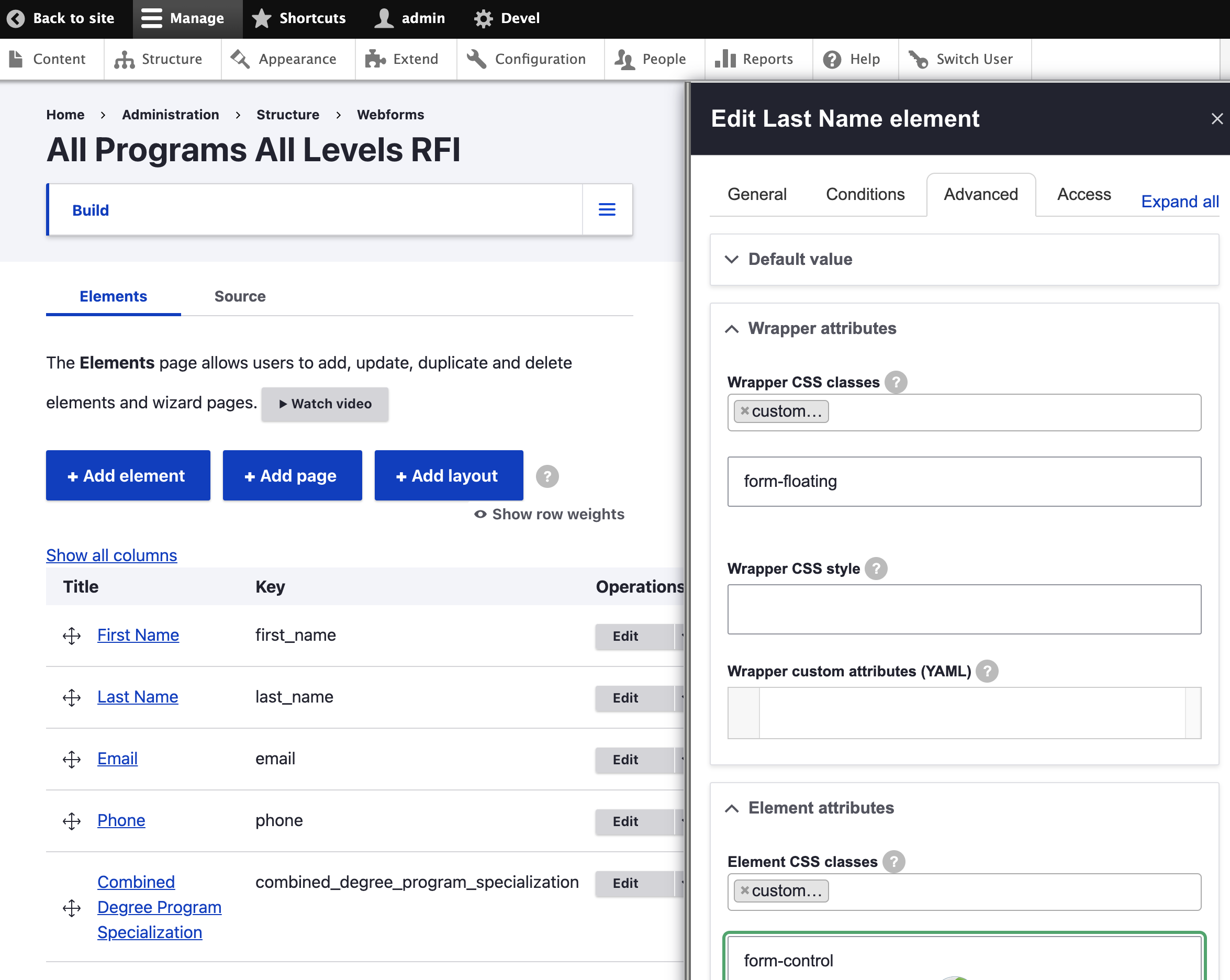
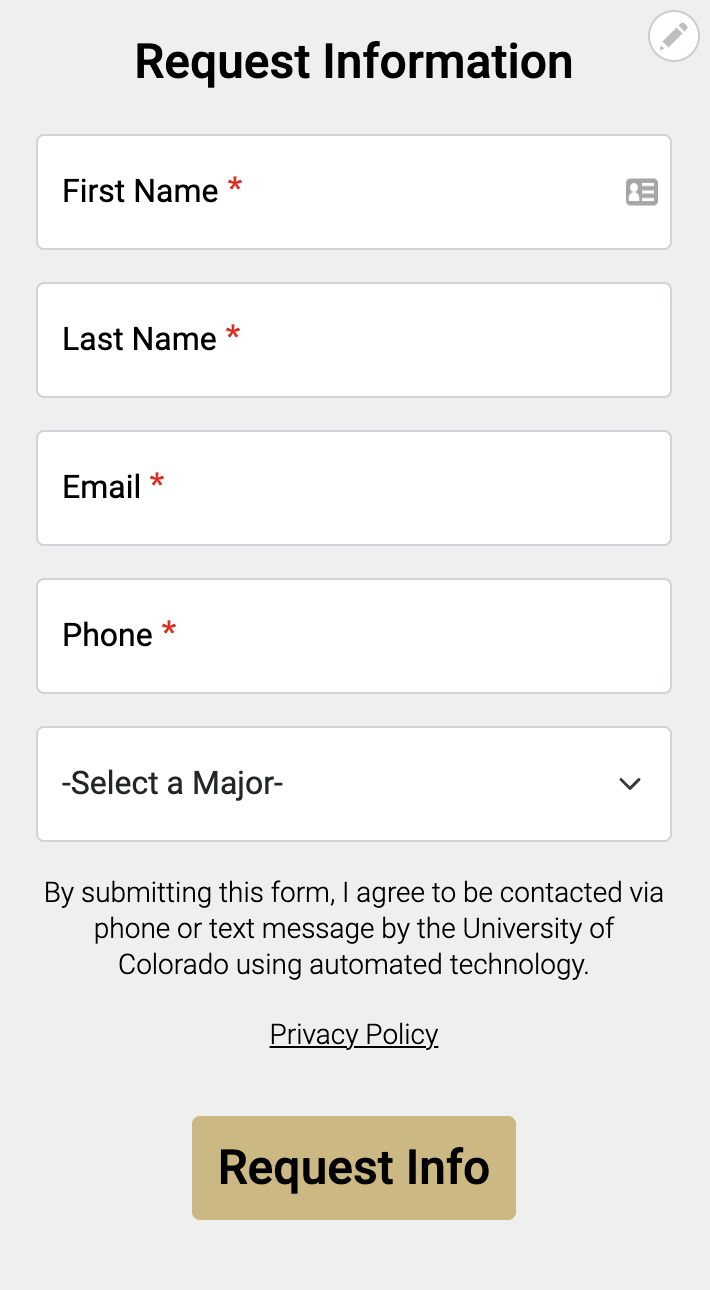
That's it. As long as the theme is using Bootstrap 5, the form will render with the Placeholder text in the field and then update to show Last Name at the top of the field once selected.

Help improve this page
Page status: No known problems
You can:
You can:
- Log in, click Edit, and edit this page
- Log in, click Discuss, update the Page status value, and suggest an improvement
- Log in and create a Documentation issue with your suggestion

