

Active
Project:
Field Readonly
Version:
7.x-1.1
Component:
User interface
Priority:
Normal
Category:
Support request
Assigned:
Unassigned
Reporter:
Created:
28 Sep 2015 at 14:33 UTC
Updated:
30 Mar 2017 at 13:38 UTC
Jump to comment: Most recent, Most recent file



Comments
Comment #2
anrikun commentedPlease post a screenshot of your field's permissions.
Comment #3
SuperTyp commentedComment #4
SuperTyp commentedI've added screenshots of role permissions and custom fields permissions.
Comment #5
anrikun commentedThanks.
Does the read-only field you try to view as a guest have a value? If not, it is normal that nothing shows up.
Also please post a screenshot of the display page of the content type owning that field (admin/structure/types/manage/CONTENT_TYPE_NAME/display).
Comment #6
SuperTyp commentedno it doesn't have a value, the value is calculated dynamically by custom javascript.
So, we found the solution, how can I make it visible without having a value?
Setting a default value?
Comment #7
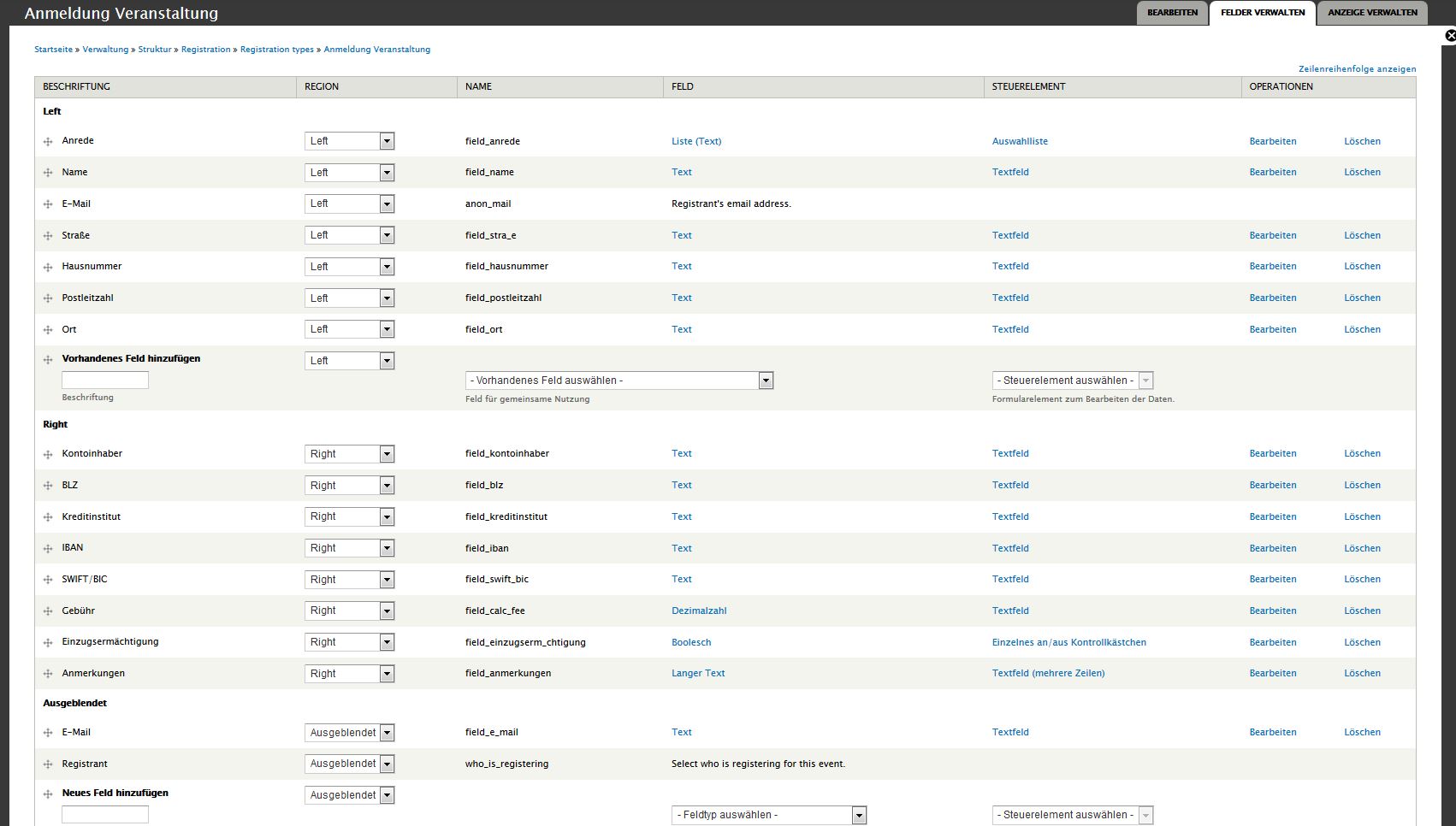
SuperTyp commentedThe content type is of type entity registration, which is a form.
Comment #8
anrikun commentedI'm not sure that Field Readonly is made for what you want to achieve.
Anyway, you should set a default value if you want something to show up.
Comment #9
SuperTyp commentedI have done that but it's still not showing up.
I just want an input field to be shown as a not editable field for every kind of role.
What else is Field Readonly made for?
Comment #10
matas.k commentedIt's a poor module, it doesn't do what it claims it does, it doesn't work with forms, doesn't work with Registration, Commerce, Entity or anything.
As I understand this works only with plain nodes edit forms only and nothing else.