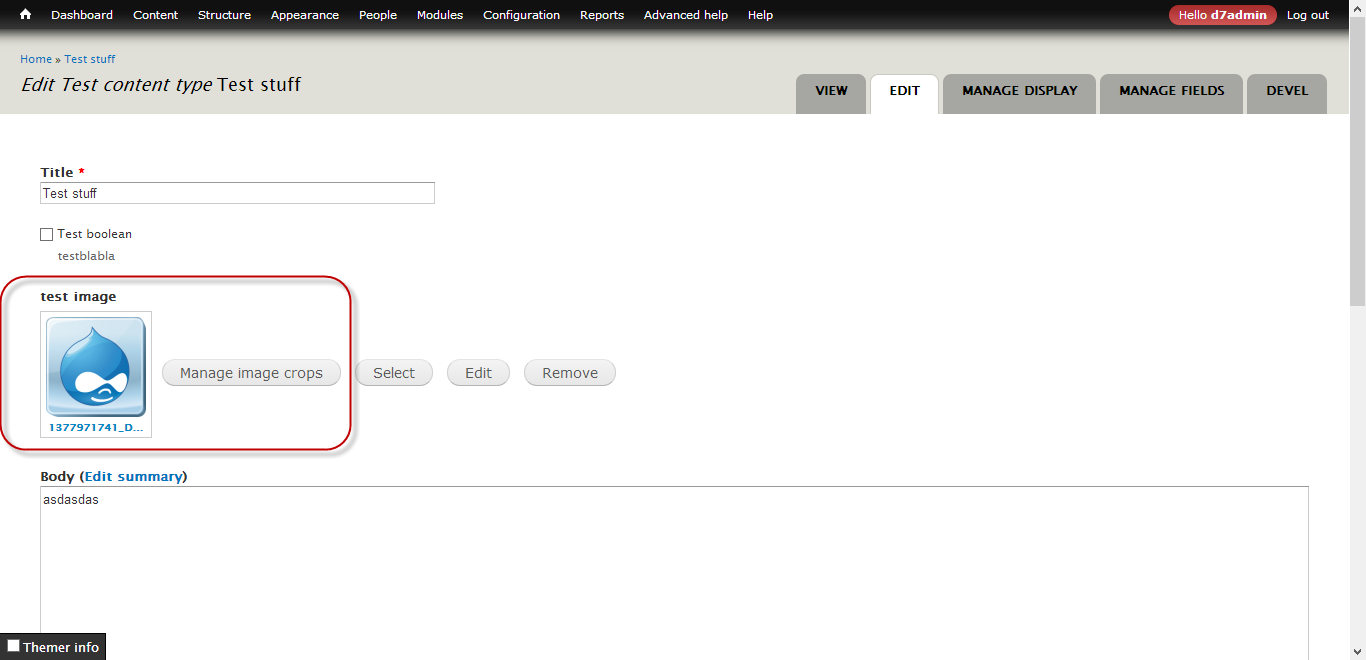
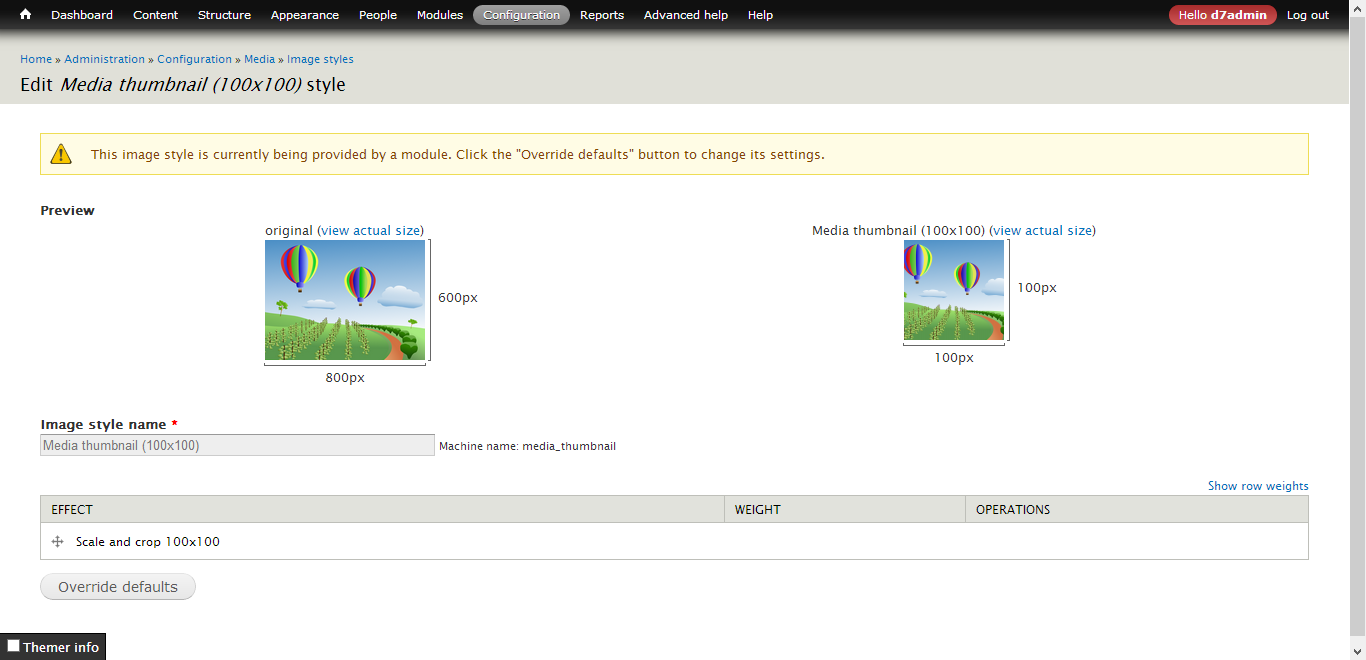
When using Media widget and when editing the content/taxonomy term/etc., the preview image on the form's image field always gets cropped via "media_thumbnail" image style to 100x100px. This is the default behavior.
But when an EPSA Crop style is used on the field, I would like to display the cropped image (by EPSA Crop) as a preview instead of the default one.
This is how it looks like when I crop the image:

But this is the default preview image (using media_thumbnail) when the form gets displayed:

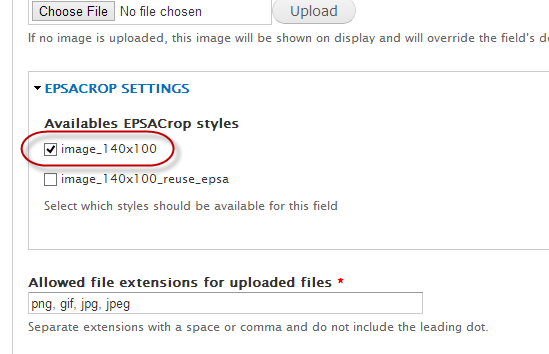
In this case, I'm using different dimensions (140x100px) than the Media widget's preview style (100x100px), so the media_thumbnail's overriding is not a good solution.
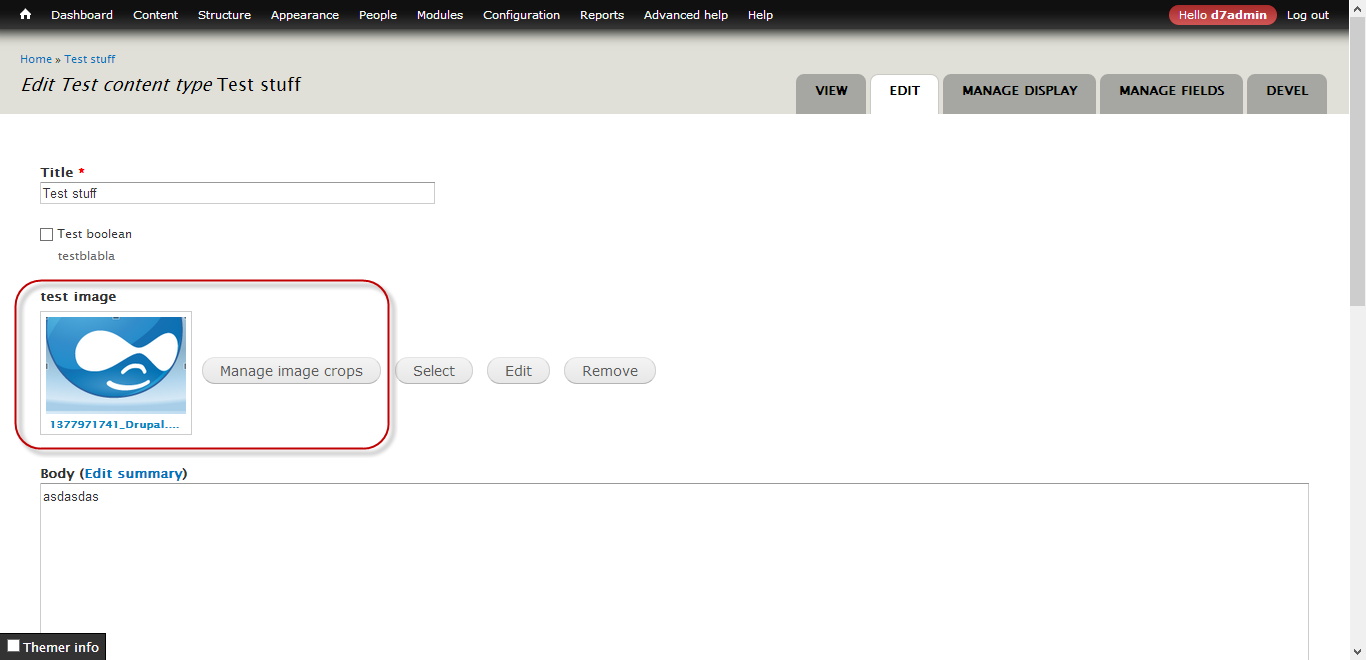
This would be the expected result when previewing the image:

Here the image is cropped the same way as on the EPSA Crop dialog.
Of course, this can be problematic with huge images, e.g. when someone uses 800x800px images - so a smaller preview could be provided with another image style or I don't know how.
Is it feasible? Do you have any ideas how to do that?
Oh, and what would be the best, to update the image previews in their original place in the form after changing the cropping dimensions in the EPSA Crop dialog (overlay).
Thank you very much in advance, and thanks for developing this great module!





Comments
Comment #1
Sk8erPeter commentedOh, one more thing I forgot to mention, but it's important:
Media module's approach is to define different view modes for different file types, and these can be configured under "Manage file display". The preview mode for Image type can be configured under
admin/structure/file-types/manage/image/file-display/preview(Administration » Structure » File types » Image » Manage file display » Image, preview view mode).This is set to
media_thumbnailby default, this is why the file gets displayed in the preview mode with this style (100x100px).I don't know whether there is any appropriate configuration to e.g. define a different view mode for EPSA Crop, where the appropriate style gets displayed or can be configured... this seems like a complicated situation.
Changing the default
media_thumbnailstyle here to another style which is configured with EPSA Crop displays a cropped version, but it's a general setting (just one crop can get applied), not a per field setting, but others may also be needed (e.g. one field's preview should be cropped to 120x200, another should be 180x200, etc.).Comment #2
sirtetNot what you want (i can't tell, but i guess this sounds like a lot of programming-work),
but (for me) a better workflow of the pictures in preview, so maybe it helps:
Similar to as to what you described, i changed the default image style square_thumbnail (not the file-display):
I removed the original scale and crop.
Now first i scale to 180x180, then i add canvas to get tall and wide images to 180x180 again:
By installing https://drupal.org/project/imagecache_actions
you get a new filter called define canvas.
Now the thumbnails are still square, but show the original image, which makes it easyer to recognize them, vs seeing only cropped versions of them.
PS:
I thing your actual request is more for media, not for espa-crop, since the same behaviour occures, whatever image style you define for your field.
PPS:
And actually, as i type, i think it's impossible, since on the edit-tab you are editing the entity, and how to decide to which display (full, teaser...) you want to adjust your preview?
Comment #3
Sk8erPeter commentedI and the users don't have a problem with recognizing the images. The problem is that they only see the CROPPED version of the image (of course, cropped by EPSA Crop) when they click on the "Manage image crops" button, which is really uncomfortable if there are lots of images in an Image field (e.g. set to unlimited cardinality), and they only want to check whether the croppings are good (only by scrolling down and continously checking). It's just one case.
I definitely disagree.
If you look at the code, EPSA Crop's processing methods get added to Media stuffs in hook_element_info_alter():
http://drupalcode.org/project/epsacrop.git/blob/9ab0389:/epsacrop.module...
this way the preview image could also be modified. (Or in
'#pre_render', if it's better.)It's not the task of the Media developers to adjust their code to EPSA Crop. :)
That's a good point!
But the implementation is not "impossible", this could possibly be set in the field settings (or somehow similar, this was just one example).
Comment #3.0
Sk8erPeter commentedfeature request to update the form fields too after cropping in EPSA Crop overlay