 Support for Drupal 7 is ending on 5 January 2025—it’s time to migrate to Drupal 10! Learn about the many benefits of Drupal 10 and find migration tools in our resource center.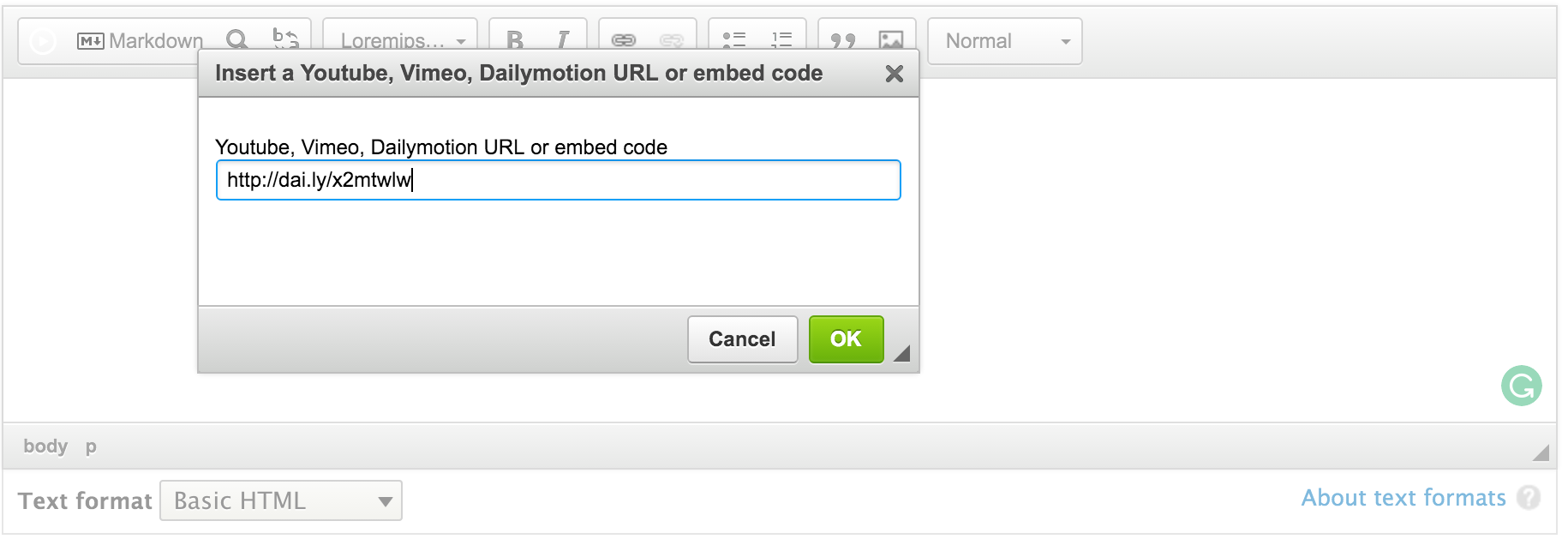
This module enables the Video Detector plugin from CKEditor.com in your WYSIWYG. This plugin allows you to insert videos from Youtube, Vimeo or Dailymotion only pasting a URL or embed code.
Requirements
CKEditor Module (Core)
Installation
- Download the plugin from https://ckeditor.com/addon/videodetector.
- Place the plugin in the root libraries folder (/libraries).
- Enable CKEditor Video Detector in the Drupal admin.
- Configure your WYSIWYG toolbar to include the buttons.
This project only handles the bridge between Video Detector and Drupal. For support to the Video Detector library feel free to ask at their project page.
If you want to make this video full width in your website add this following css in your theme:
.videodetector {
  position: relative;
  width: 100%;
  height: 0;
  padding-bottom: 60%;
}
.videodetector iframe {
  position: absolute;
  top: 0;
  left: 0;
  width: 100%;
  height: 100%;
}
Supporting organizations:
Project information
 Minimally maintained
Maintainers monitor issues, but fast responses are not guaranteed.- Maintenance fixes only
Considered feature-complete by its maintainers. - Module categories: Content Editing Experience
 409 sites report using this module
- Created by darol100 on , updated
 Drupal 10 is here!
Module will support Drupal 10.
 Stable releases for this project are covered by the security advisory policy.
Look for the shield icon below.
Releases
8.x-2.1
released 23 August 2022
released 23 August 2022
Works with Drupal: ^8 || ^9 || ^10
✓ Recommended by the project’s maintainer.
Install:
Development version: 8.x-2.x-dev updated 16 Jun 2022 at 01:01 UTC
8.x-1.0
released 23 March 2016
released 23 March 2016
Works with Drupal: 8.x
Install:
Development version: 8.x-1.x-dev updated 14 Feb 2020 at 03:15 UTC