In Drupal there is a difference between menu and taxonomy (as of Drupal 6). The menu is a navigation system and taxonomy is a system to order content data: Menus is to arrive at content; Taxonomies are to order it.
A menu entry allows you to point directly to a node, like a page or a story, but you can also point to a term in a vocabulary, which would show you a summary list of stories or pages.
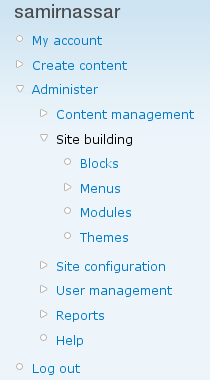
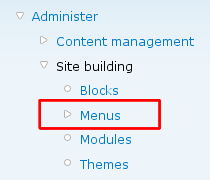
Start by going to the navigation menu and follow the links: Administer > Site building > Menu
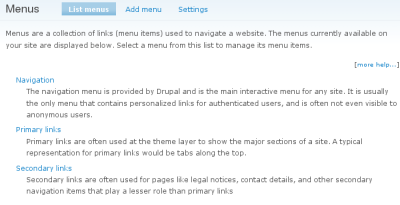
You'll end up at the Menus page
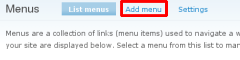
Next you will add a whole new menu
There are three areas to add information to: menu name, title, and description
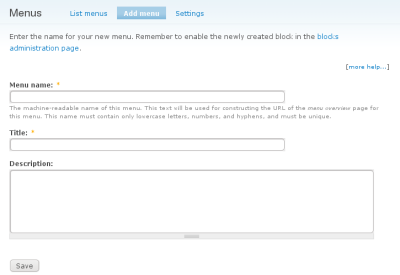
Once you have entered your information save your information.
Later you might consider using the taxonomy_menu module. It will add to your confusion, but it will be good when there are frequent changes in your vocabularies. It will make the difference between menus and categories almost completely disappear, because it allows you to make vocabularies appear as a menu. This way menus are generated automatically.
If you want hierarchical drop down menus, the nice_menus module might come in handy.