
Configuring the available icon styles
Last updated on
6 December 2023
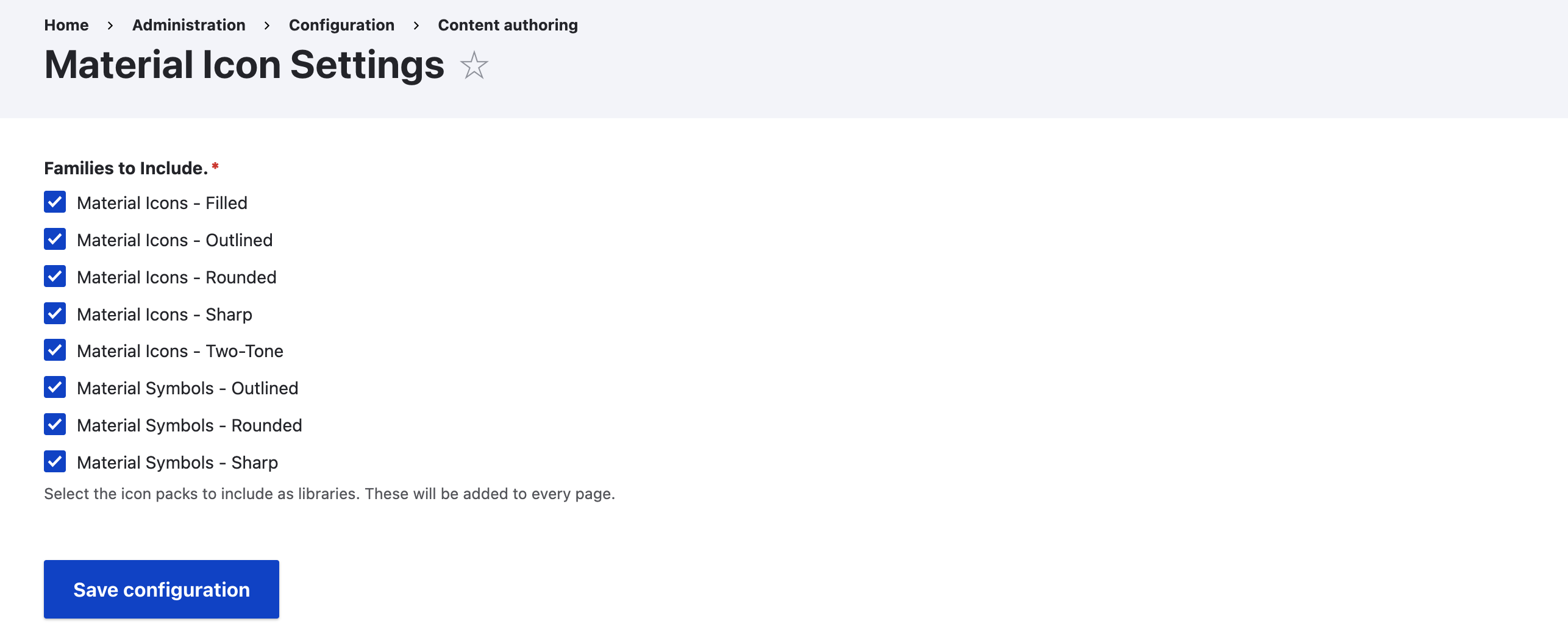
With the Material Icons module installed on your Drupal website per normal, you can proceed to configure the available icon styles. There are 5 icon styles (Filled, Outlined, Rounded, Sharp and Two-Tone) and 4 Material Symbols (Outlined, Rounded, Sharp), but only the Filled pack is enabled out of the box.
Go to Configuration > Content authoring > Material Icons and enable any other style packs by ticking the respective checkboxes. Click “Save configuration.” Then all the selected style packs will automatically be added to all your website pages as libraries.
Help improve this page
Page status: No known problems
You can:
You can:
- Log in, click Edit, and edit this page
- Log in, click Discuss, update the Page status value, and suggest an improvement
- Log in and create a Documentation issue with your suggestion
