
On this page
Flexslider adding some style css
You are browsing documentation for an older version of Drupal, which is not supported any longer, and the information may not be correct. See current documentation for Contributed modules
What we need?
Modules installed and turned on:
- Views
- Views Slideshow
- Flexslider
Part-1
- Add Image Style
- Add Content Type
- Add Flexslider option set
- Create view
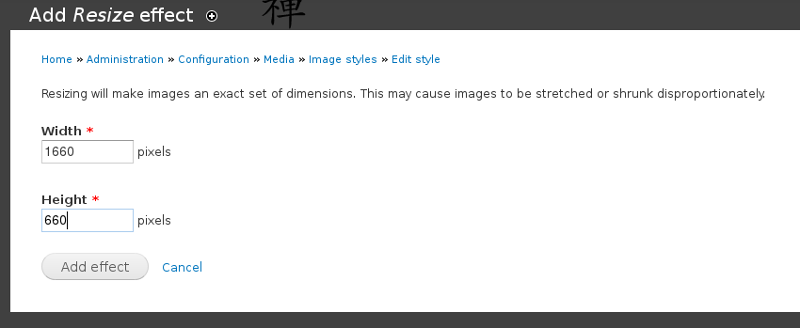
1.Add Image Style
Configuration>>Image styles>>Add style
In this is case i will use scale effect.
2.Add Content Type
Configuration>>Image styles>>Add style
Structure >>Content types>>Add Content types
Give it the name, uncheck Promoted to front page , Display author and date information and close comment sittings.

Then go to manage fields and add to existing image.
This is not necessary flexslider will fix this.

3.Add Flexslider option set
Configuration>>Media>>Flex Slider>>Add Option set>>(Don't forget select Image style your created before) and select only Paging Controls
4.Create view
Go to Structure >>Views>>Add new view
Give it the name and select your creeted before type, we create block desplay format will be Slideshow and select of fields and press Continue &edit button
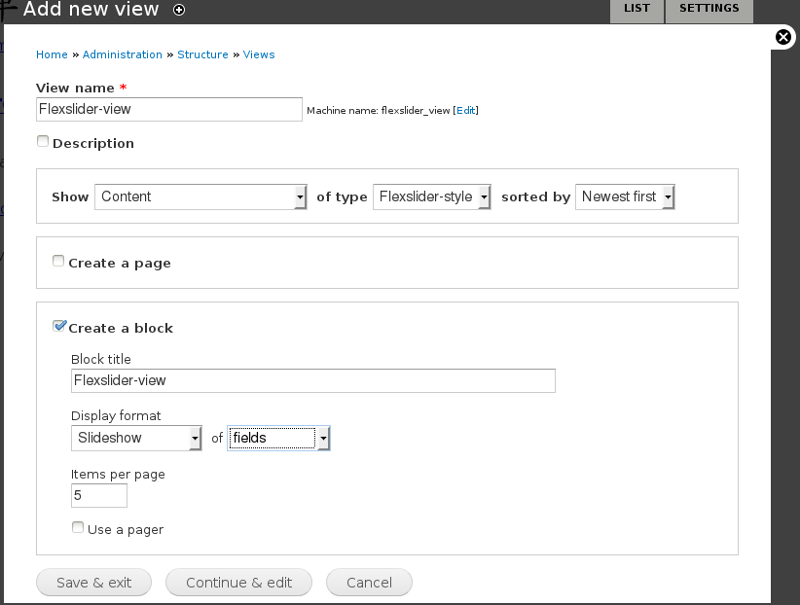
Format will be Slideshow and sittings will Flexslider
Slideshow Type will Flex Slider and dont forget select Option set your creeted before Flex Slider type.

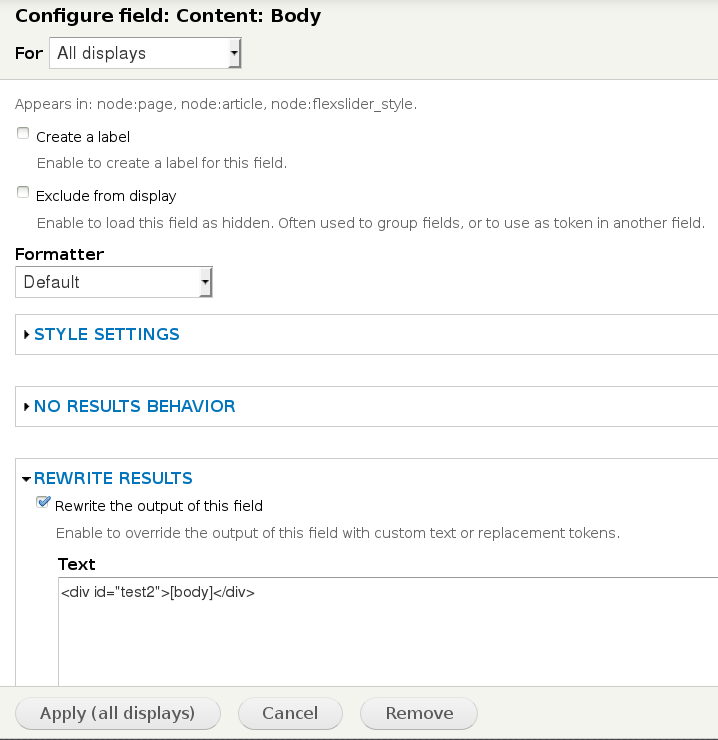
Add fields Image and Body.
Deselect Create a label and select Rewrite the output of this field add some div class
Add fields Image and Title.
Deselect Create a lable, select Link this field to the original piece of content and slelect Rewrite the output of this field add some div class. Then save this block

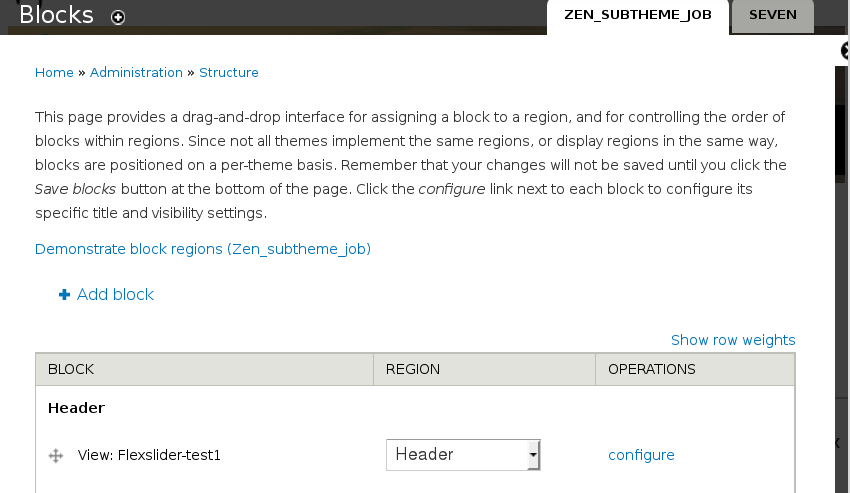
Place this block what ever you whant.
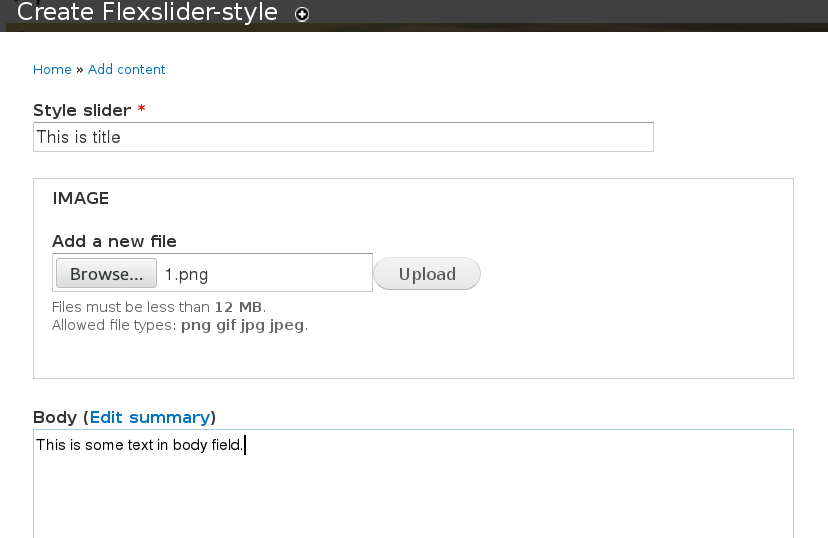
Add some content use your have created content type.
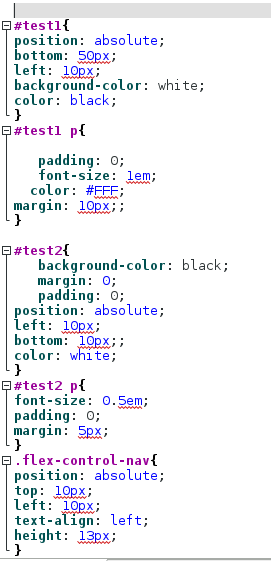
And add this code in your theme css file.
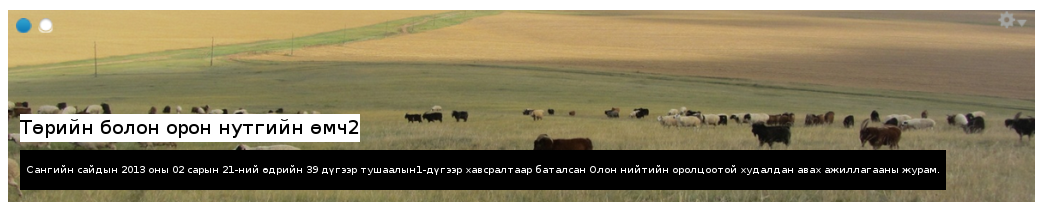
Final result looks like this if you create responsive site you should add more css code
Help improve this page
You can:
- Log in, click Edit, and edit this page
- Log in, click Discuss, update the Page status value, and suggest an improvement
- Log in and create a Documentation issue with your suggestion
